

Build dashboards in the Analytics Manager
Dashboards let you arrange charts on a single page to visualize and monitor your data in real-time
Objective
Dashboards let you arrange charts on a single page to visualize and monitor your data in real-time.
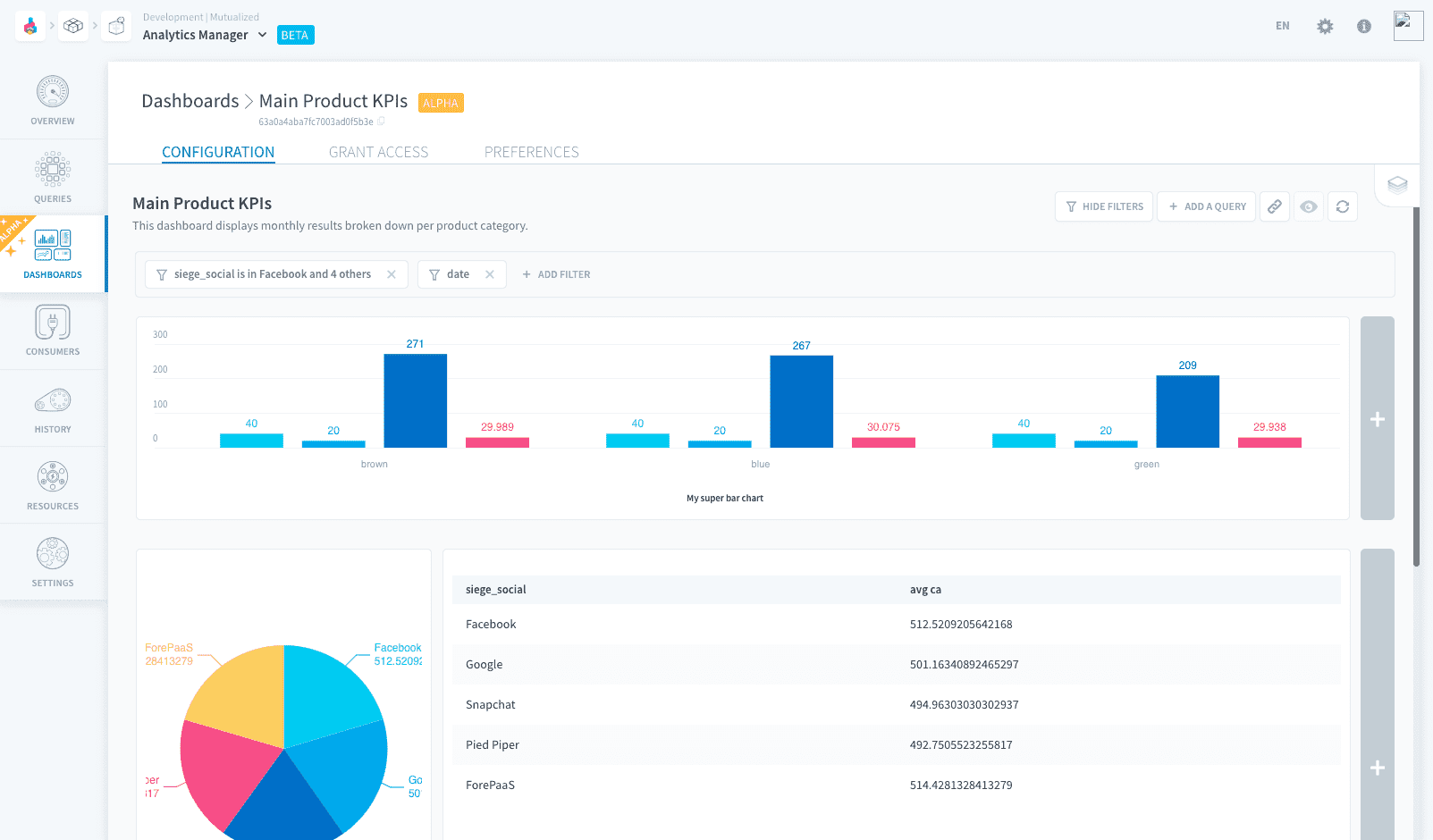
You can combine various data sources and display them in a variety of formats, including charts and tables. Add interactive filters to update all charts at once, click on specific parts of charts to further drill down on them, and add notes to tell stories about your data visualization.
Share your dashboard with your teammates by publishing it, and manage versions to make sure everyone always get the validated KPIs.
Dashboards come with a limited set of customization options, making it a perfect tool for Data Analysts. The Platform also makes it possible for developers to build and deploy fully custom applications in Application Services.
Manage dashboards
Dashboards are managed in the Dashboards tab of the Analytics Manager.
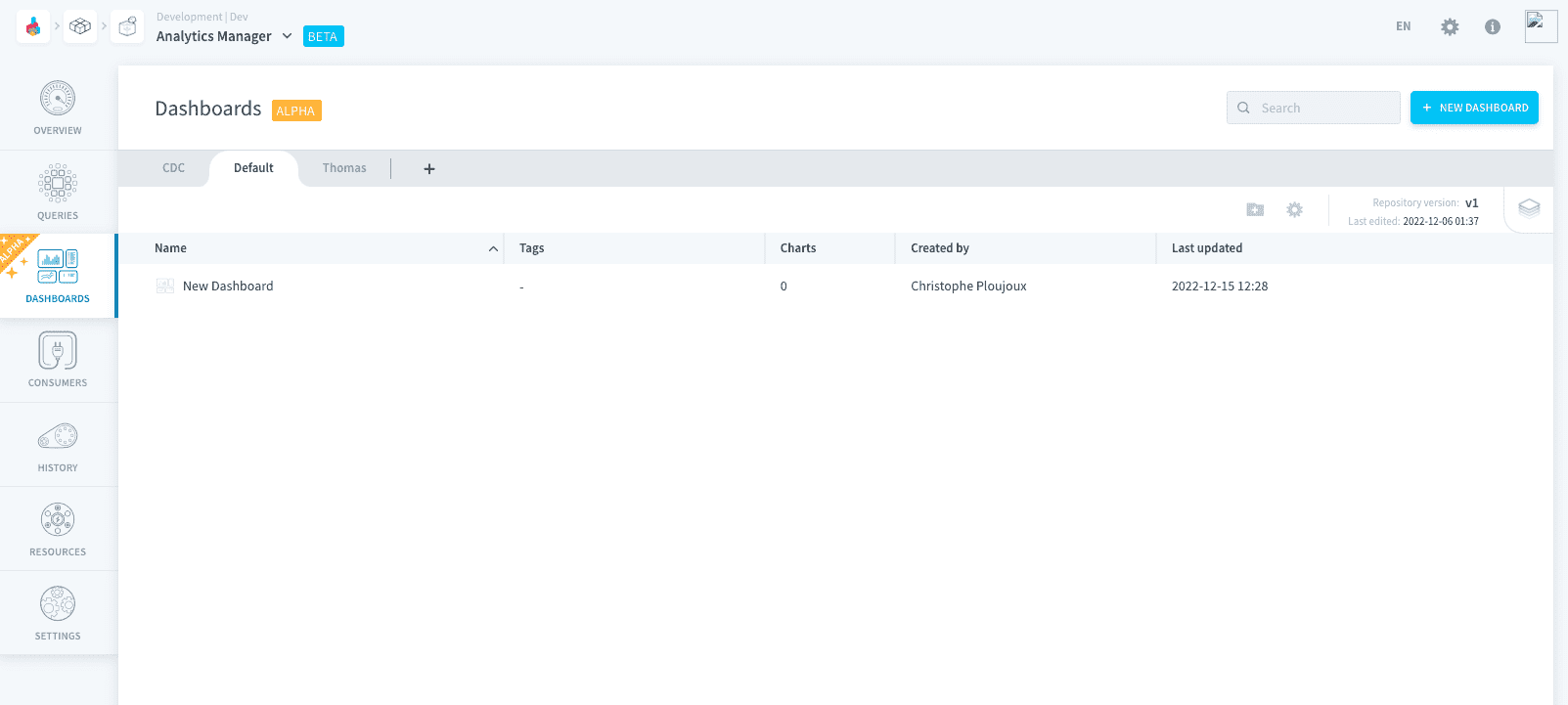
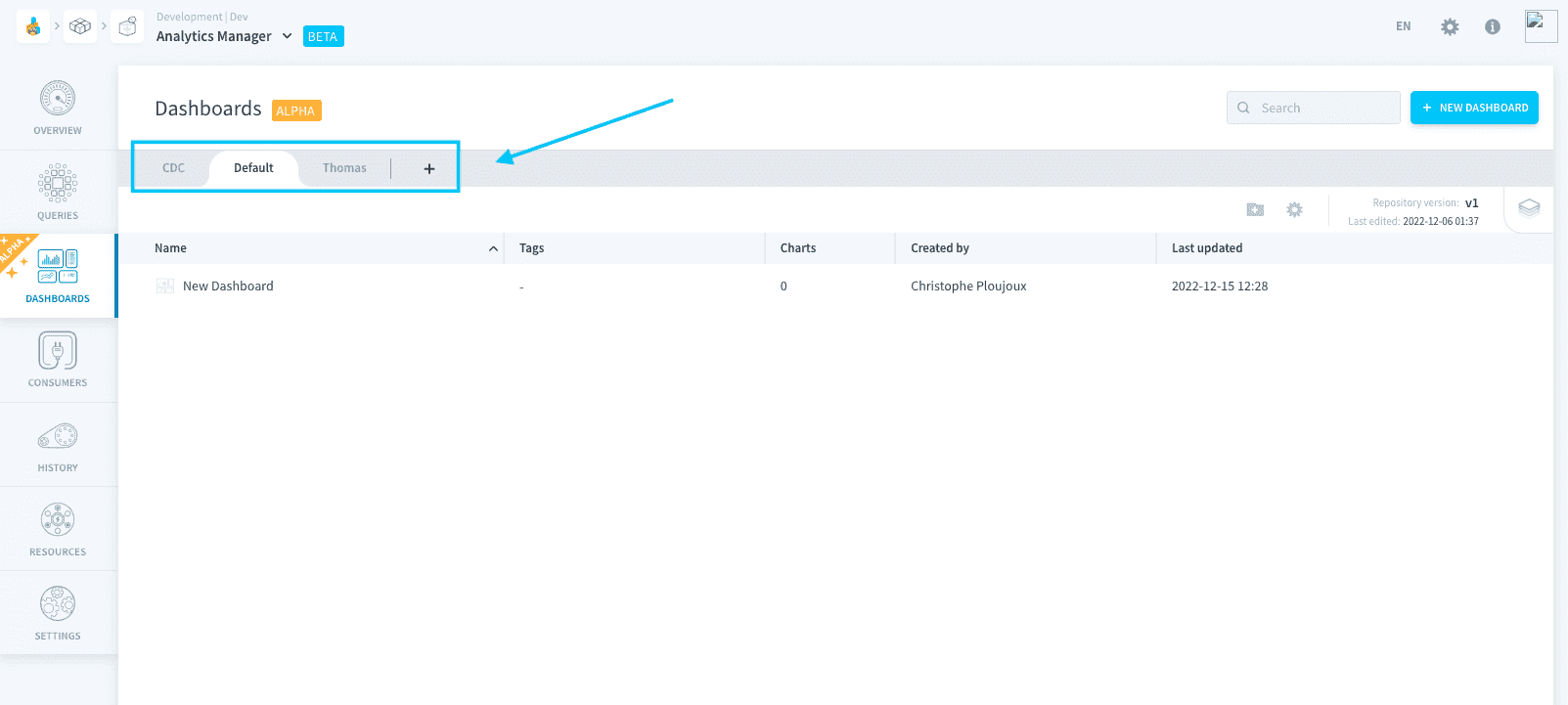
All your dashboards are stored in repositories, the same as for queries. Each chart in a dashboard corresponds to a query from the Queries tab. In a dashboard, you can only display queries stored in the same repository as the dashboard.
Add content to a dashboard
Dashboards are made of tiles which contain charts. Each chart is powered by a query saved in the Queries tab.
It is possible to customize your dashboard layout and appearance. You can rearrange tiles by dragging and dropping them, resize them by dragging the edges, and change the color palette to match your branding.
Publish a dashboard
Each dashboard has a deployed version which is hosted on a separate URL, allowing you to share a dashboard with other people without giving them the possibility to edit the dashboard.
Go further
For training or technical assistance implementing our solutions, contact your sales representative or visit our Professional Services page to request a quote and have your project analysed by our experts.
Ask questions, give your feedback and interact directly with the team building the Data Platform on the dedicated Discord channel.
If you need support with your OVHcloud services, create a request in our Help Centre.
Join our community of users.