

Custom estimators
This page describes the Machine Learning Manager, a service of the ForePaaS Legacy Platform that is not available on OVHcloud Data Platform. See the current documentation.
If you cannot find what you want among the standard estimators, or if you already have a training script on hand, ForePaaS allows you to upload your own estimator to be fitted on your pipeline's data. This can be done either by opening the Training configuration page for the first time, or by changing the algorithm if there is already one.
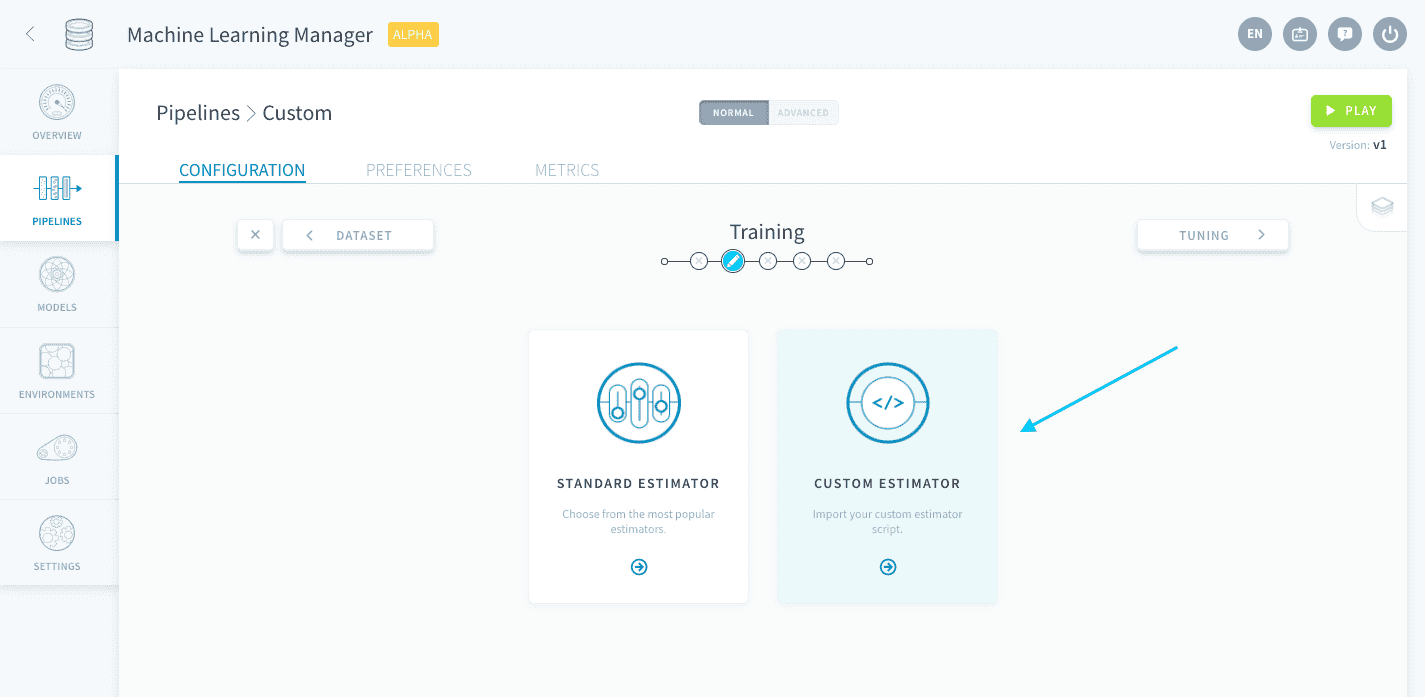
It is necessary to choose a framework for your pipeline. ForePaaS currently supports the following frameworks, details of which can be found on their respective pages:
Common features from SDK
Some features provided by the Machine Learning Manager have a common behavior for any custom estimator written in Python, and require you to input additional elements of code in your training script. The following configurations can be integrated:
- Use a validation configuration from the Training step
- Use a validation score function from the Training step
- Use hyper-parameters specified in the Tuning step
Use a validation configuration
You can connect the validation settings configured during the Training step.
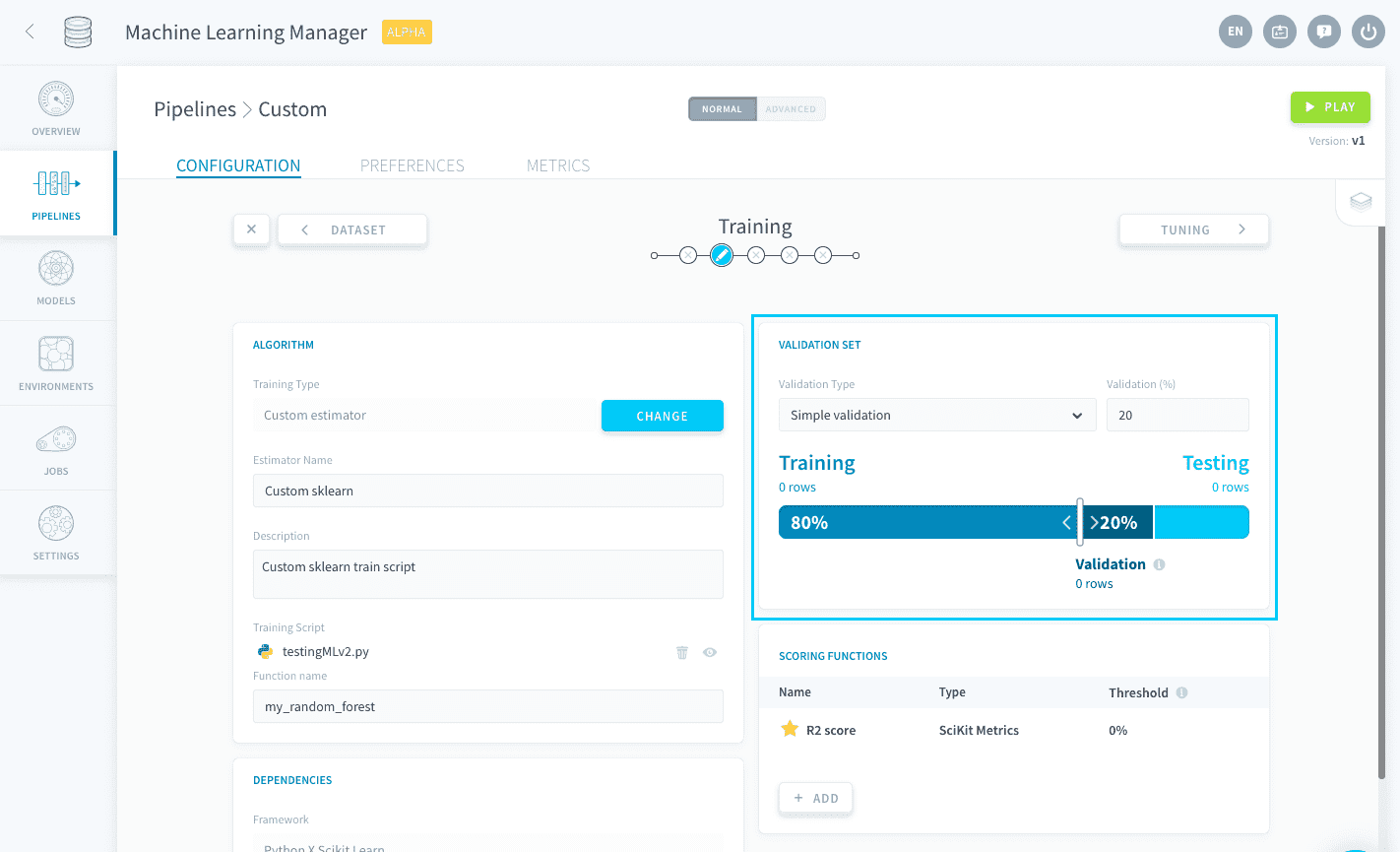
If using simple validation, you can get the share allocated to the validation set by including:
If using cross-validation, you can get the number of folds chosen by including:
An example for Scikit Learn can be found here.
Use a validation score function
You can connect the scoring functions added during the Training step in order to use them for the validation score.
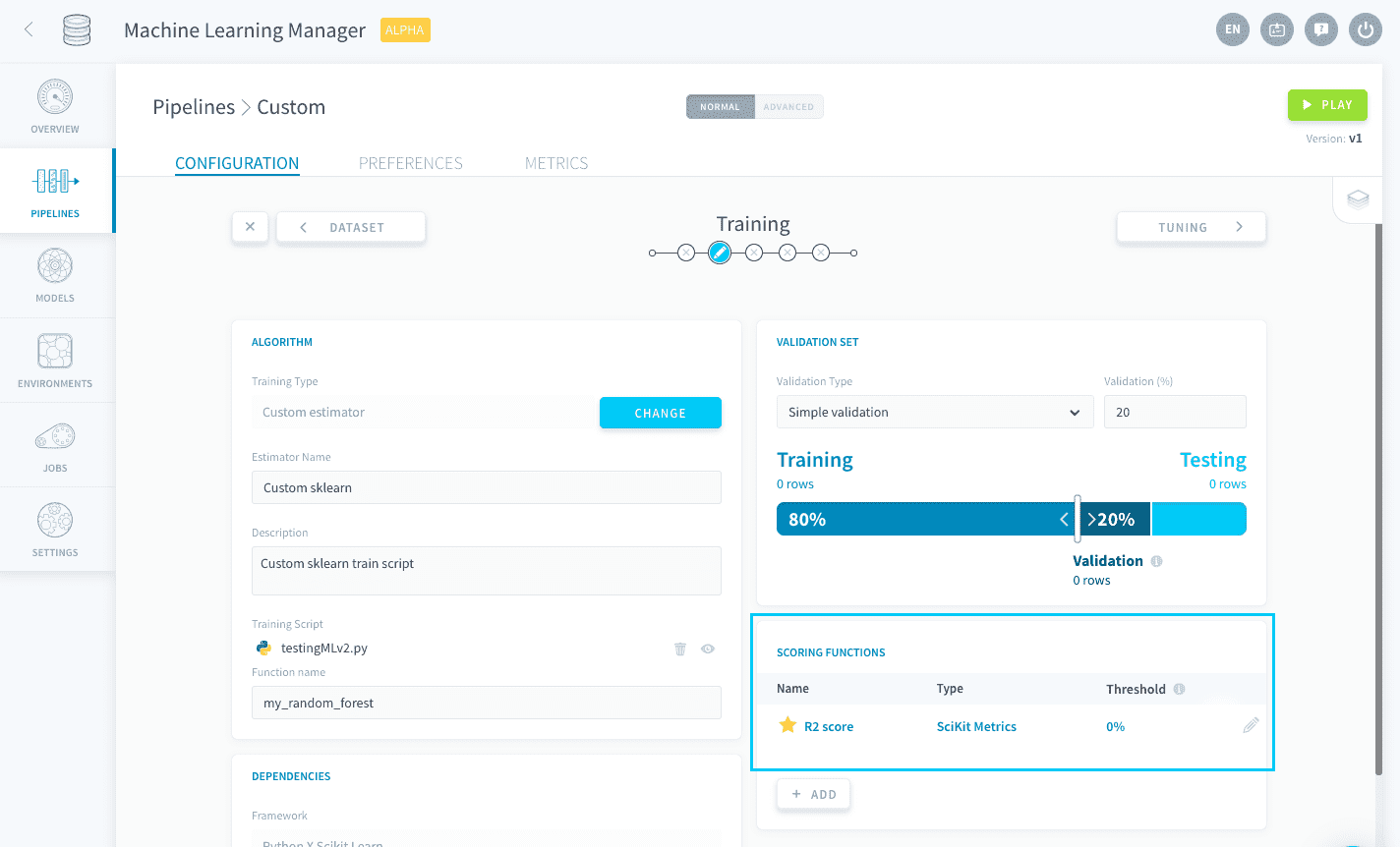
You can get the default ⭐ scoring function and turn it into an sklearn scorer by including:
An example for Scikit Learn can be found here.
Use hyper-parameters
You can connect the hyper-parameter list specified in the Tuning step.
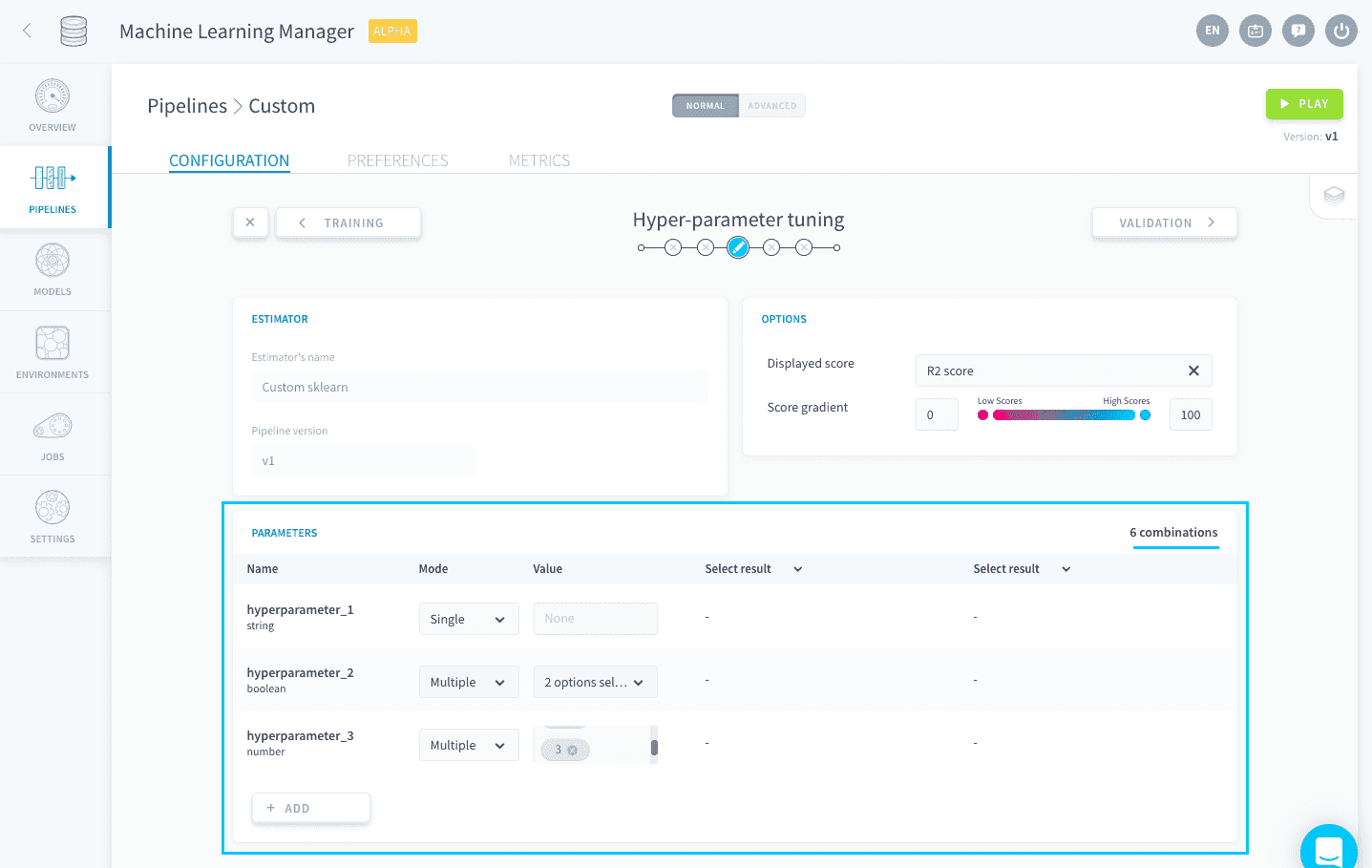
To get the dictionary of hyper-parameters and their lists of values, include:
An example for Scikit Learn can be found here.
Import a custom Scikit Learn script Import a custom Keras script
Go further
If you need training or technical assistance to implement our solutions, contact your sales representative or click on this link to get a quote and ask our Professional Services experts for a custom analysis of your project.
Ask questions, give your feedback and interact directly with the team building the Data Platform on the dedicated Discord channel.
If you need support with your OVHcloud services, create a request in our Help Centre.
Join our community of users.