

Forward lineage events to an external tool with OpenLineage
The OpenLineage consumer lets you forward data lineage events generated by your Data Platform project to an external lineage solution of your choice
Objective
The OpenLineage consumer lets you forward data lineage events generated by your Data Platform project to an external lineage solution of your choice. Once connected, the platform continuously streams OpenLineage-compliant events to your lineage backend so you can visualize and explore your data lineage graph there.
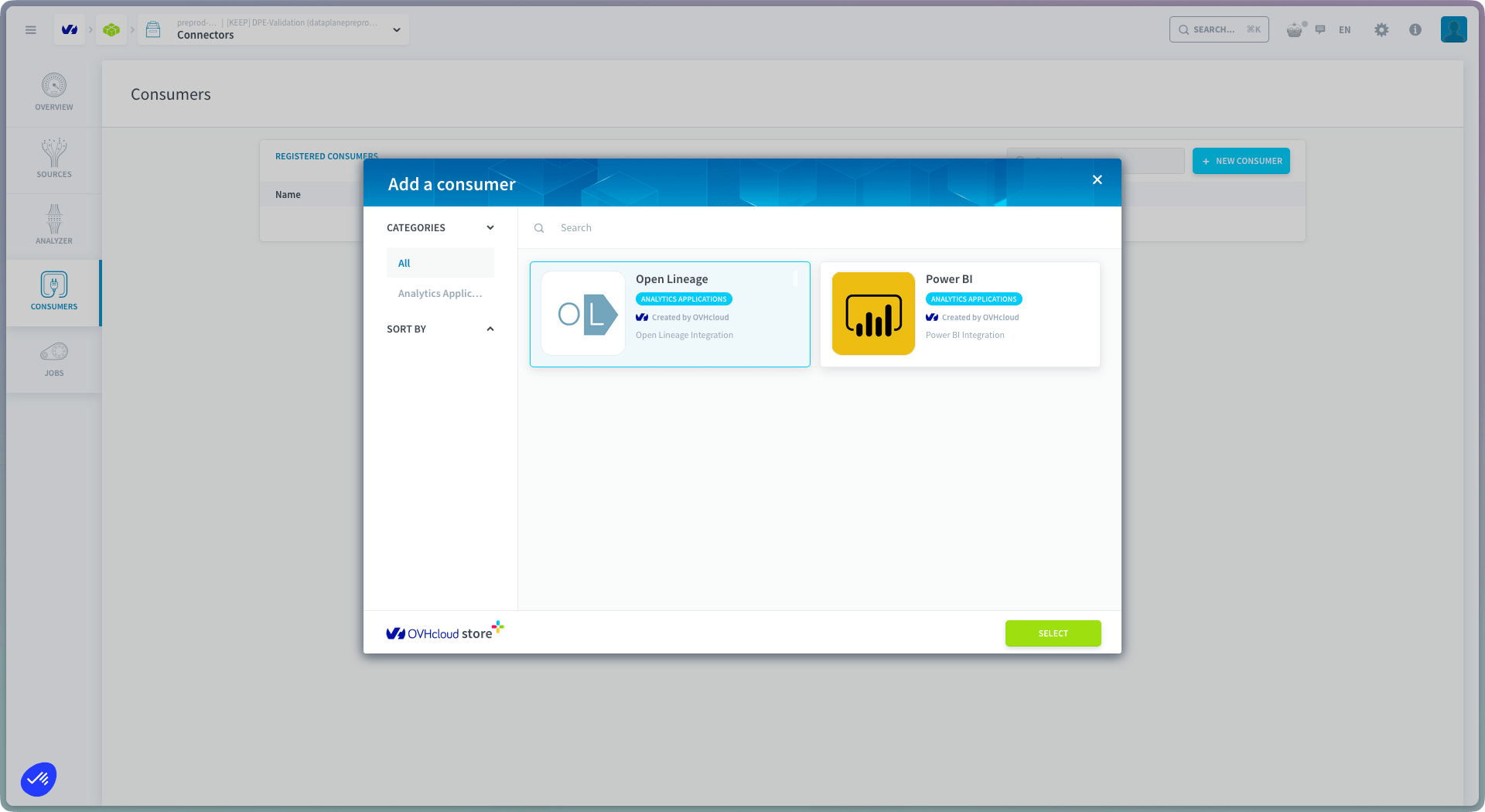
Data Platform also includes a built-in lineage viewer: see Lineage in the Lakehouse Manager. The OpenLineage consumer is for teams that want the same events in their own lineage solution, see compatible tools below.
Compatibility notice: At this time, Marquez is the only lineage solution that has been validated to work reliably with Data Platform's OpenLineage events. Other OpenLineage-compatible tools may receive events but could provide a degraded experience. We recommend using Marquez for the best results.
Compatible lineage solutions
The following lineage solution has been validated to work with Data Platform:
Any tool that exposes an OpenLineage HTTP API endpoint can technically be used, but only Marquez is officially supported at this time.
Configure the OpenLineage consumer
If you haven't done so already, add a new OpenLineage consumer in the Connectors. Else, just edit it.
You will need to provide the following values:
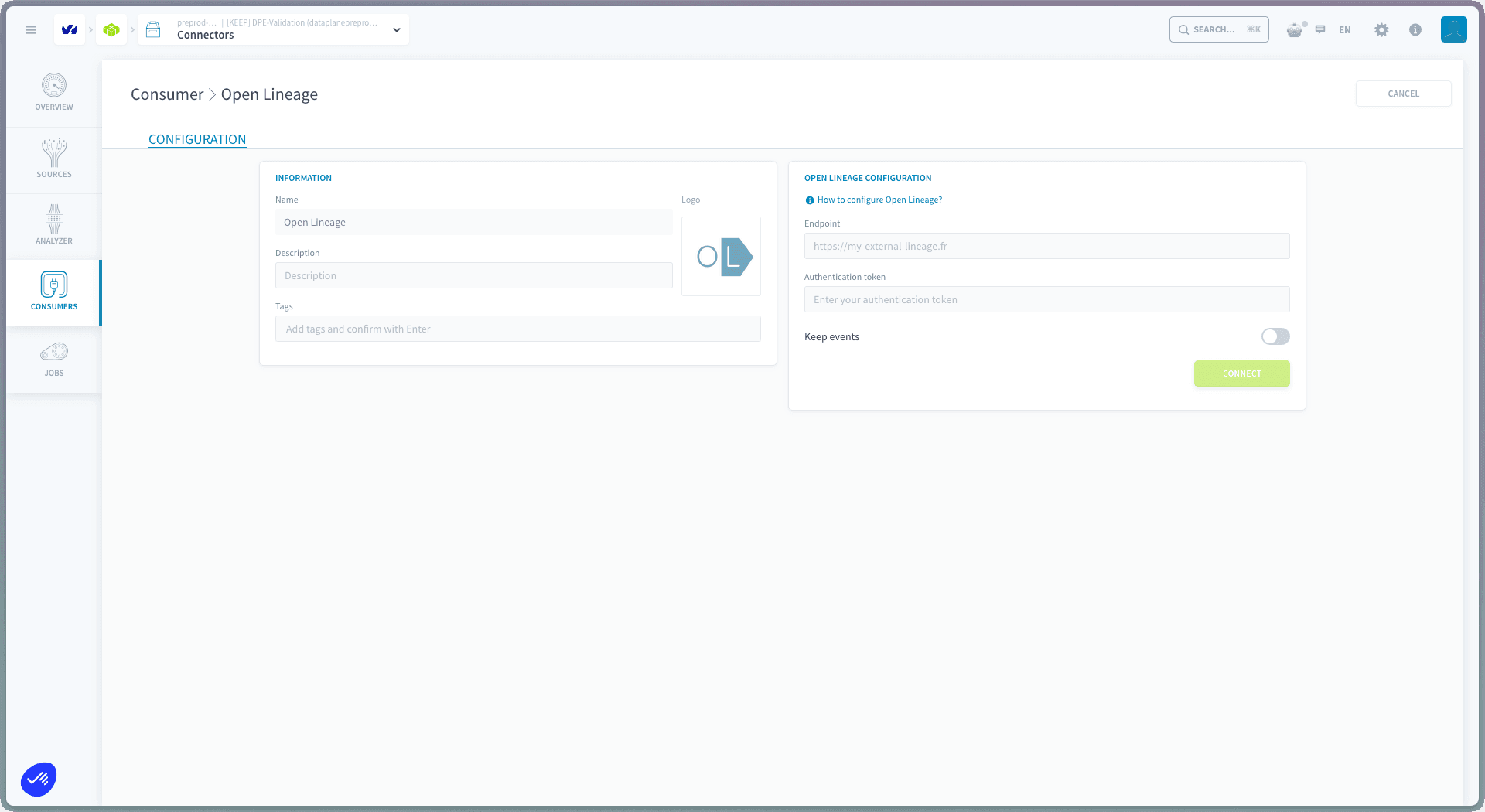
Once a lineage consumer is configured, every lineage events will be stored on the Lakehouse Manager Bucket DWH under openlineage/events/queued. Events will be forwarded to your lineage solution each time the Send OpenLineage Events DPE action runs.
Send lineage events from the DPE
Lineage events are forwarded by the Send OpenLineage Events action in the Data Processing Engine. You can configure it to run:
- As a cron job: on a fixed schedule (e.g. every hour, every night)
- As an always-up action: continuously, to keep your lineage solution in sync in near real time
See the Send OpenLineage Events documentation for setup details.
For Custom actions, lineage tracking is opt-in. See Track data lineage in a Custom action to learn how to emit lineage events from your own Python code.
Go further
For training or technical assistance implementing our solutions, contact your sales representative or visit our Professional Services page to request a quote and have your project analysed by our experts.
Ask questions, give your feedback and interact directly with the team building the Data Platform on the dedicated Discord channel.
If you need support with your OVHcloud services, create a request in our Help Centre.
Join our community of users.