

Project IAM
Applications, providers and permissions for a single project.
What does Project IAM cover?
Project IAM manages access inside one project: the team members who build it, and the end users who consume the applications it deploys.
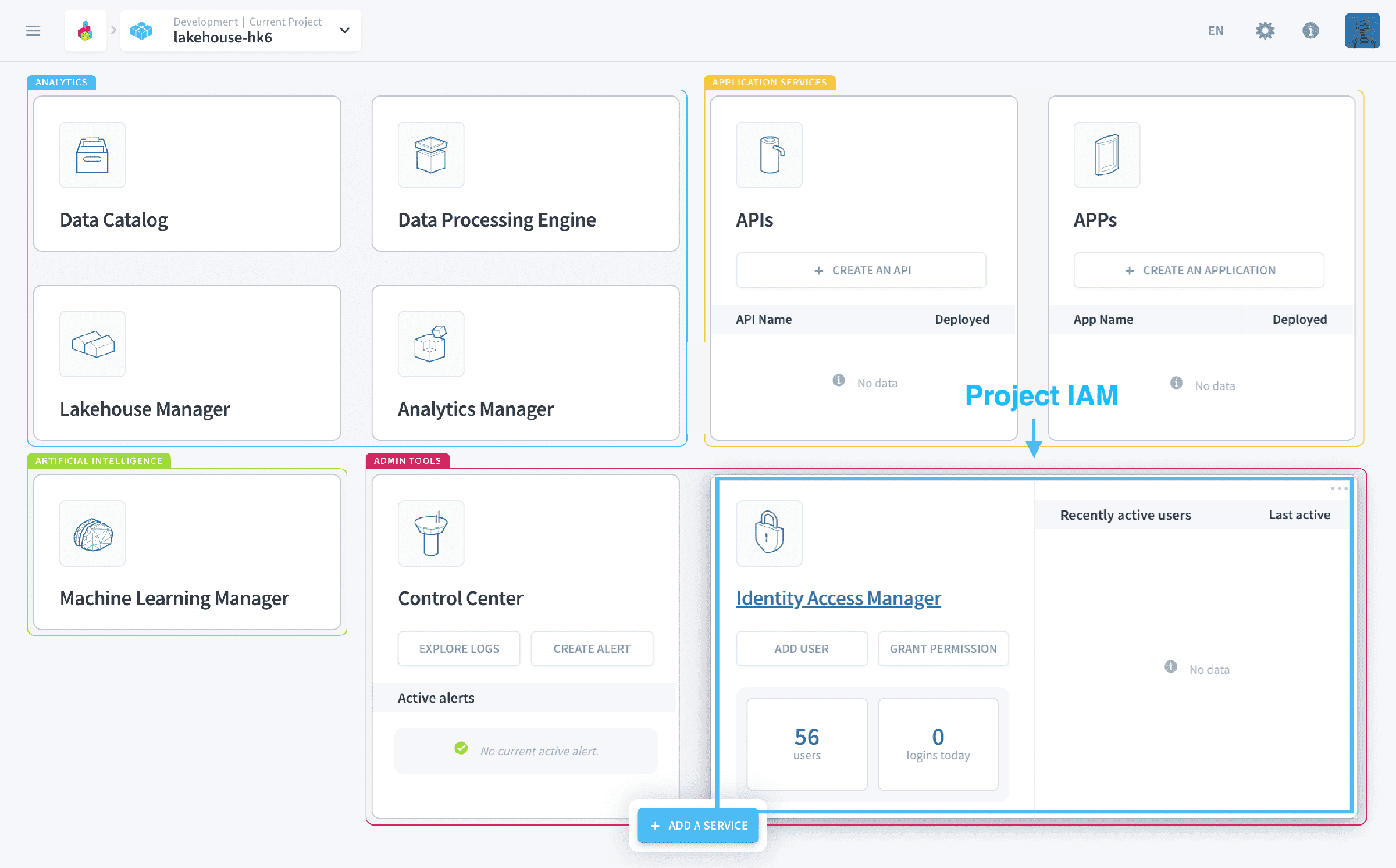
Three things live here.
Applications lists every deployed app and API in the project, and is where each one's login page is defined: its design, its access URL, and which authentication modes are offered on it.
Auth providers configures the directories users authenticate against, from SAML, JWT and OpenID single sign-on through to MFA providers, on top of the three providers every project carries by default.
Users, roles and groups is the authorization side: which principals exist, what they are allowed to do, and how those grants are bundled.
Multi-factor authentication is managed with the auth providers, and applies to the Project ID method only. For an external provider, use that provider's own MFA rather than the platform's.
Application authentication→
Auth modes and the sign-in page of a deployed application.
Auth providers→
Add SSO and MFA providers on top of the three defaults.
Set up custom mappings→
Map external claims onto project roles and groups.
Set up Azure AD→
Sign in through Microsoft Entra ID.
Set up Okta→
Sign in through Okta.
Set up Auth0→
Sign in through Auth0.
Go further
For training or technical assistance implementing our solutions, contact your sales representative or visit our Professional Services page to request a quote and have your project analysed by our experts.
Ask questions, give your feedback and interact directly with the team building the Data Platform on the dedicated Discord channel.
If you need support with your OVHcloud services, create a request in our Help Centre.
Join our community of users.