

Hyper-parameter tuning
This page describes the Machine Learning Manager, a service of the ForePaaS Legacy Platform that is not available on OVHcloud Data Platform. See the current documentation.
Hyper-parameter tuning is a pipeline configuration step closely linked to the training step where you can fine-tune the estimator implemented in a pipeline.
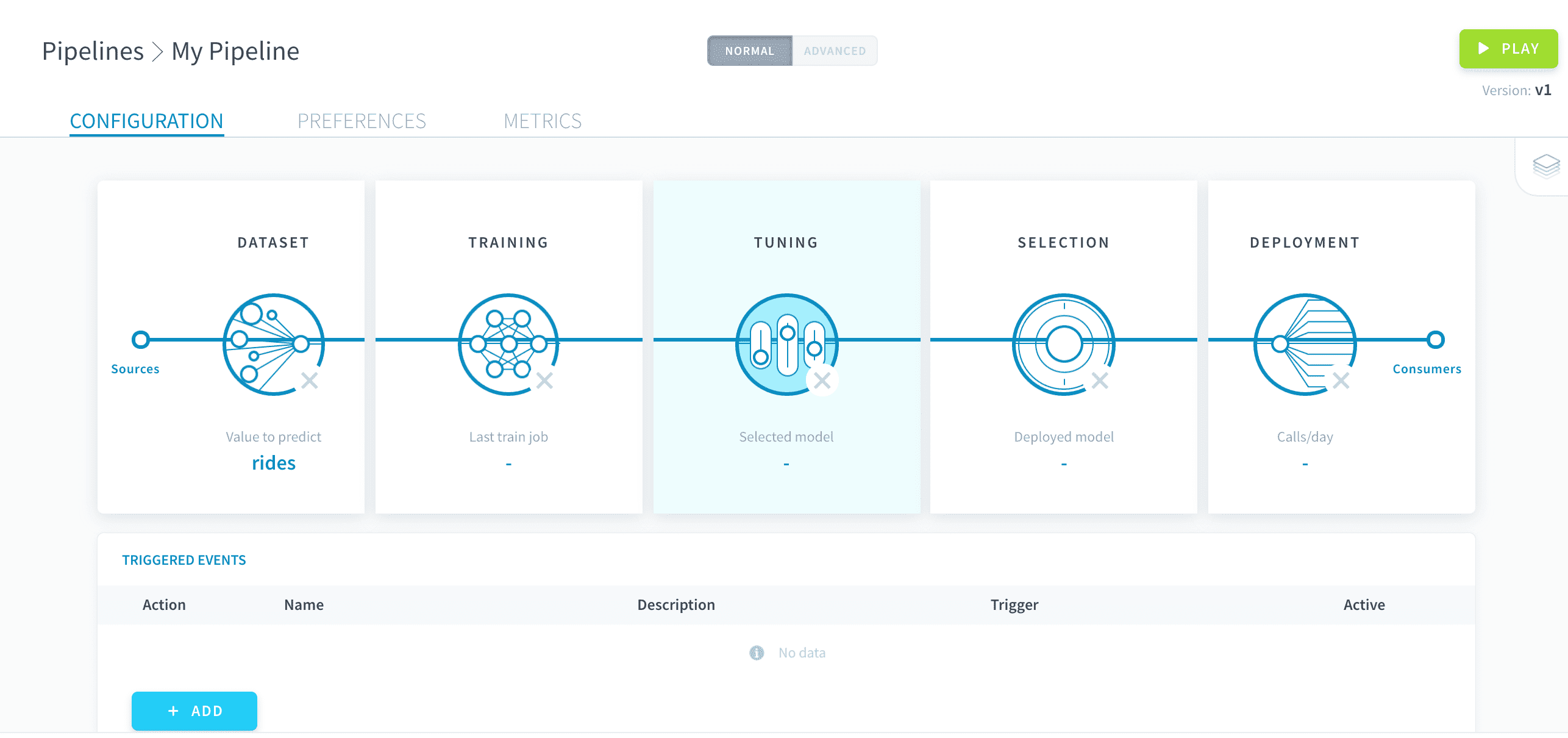
Hyper-parameters are the core variables of any machine learning estimator that are not learned using the training data. They have to be hard-coded while configuring a model and are needed for the training jobs. For more details about hyper-parameters, check out the associated Wikipedia page.
Set specific hyper-parameter values
The tuning studio lists all the hyper-parameters associated to the estimator chosen during the training configuration.
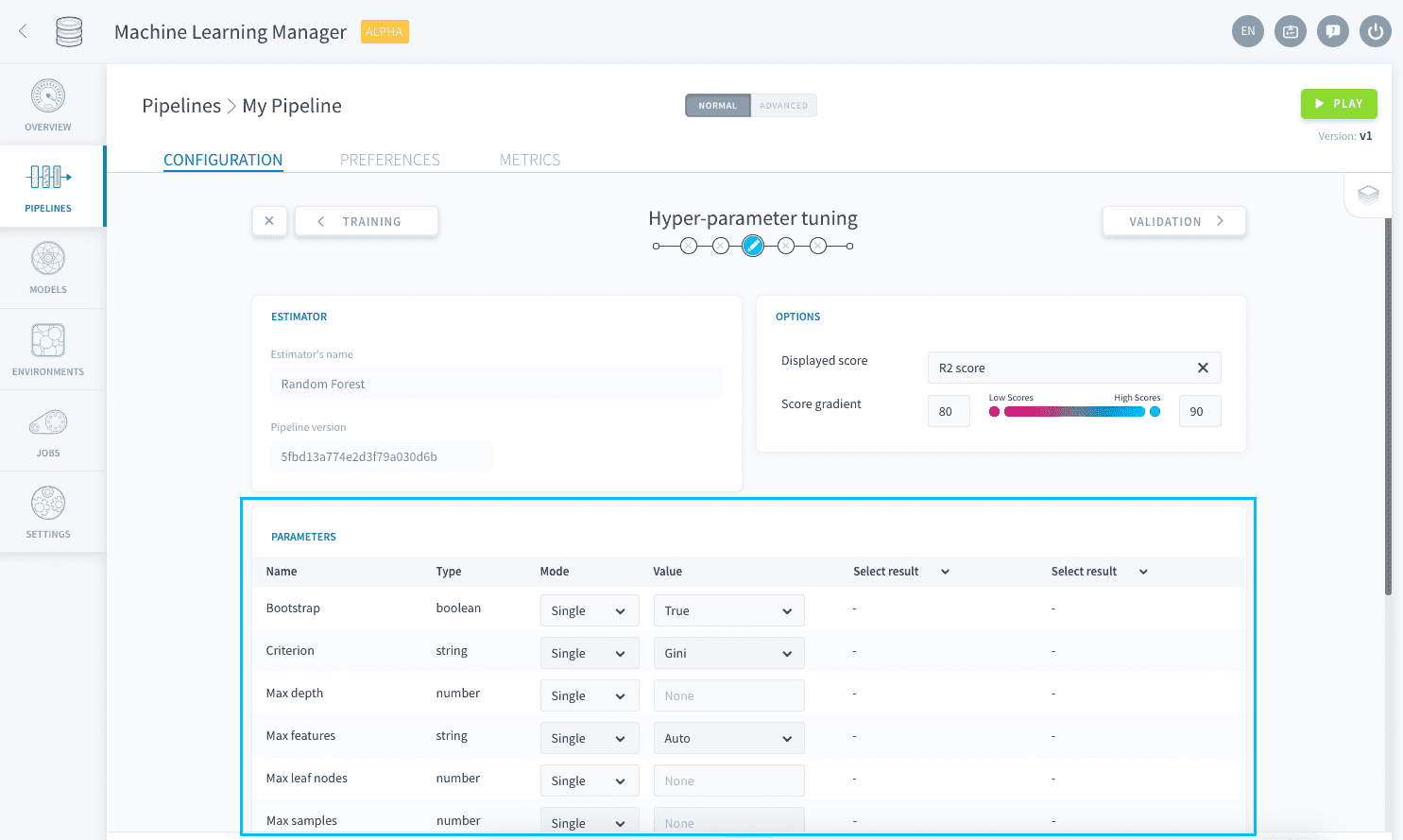
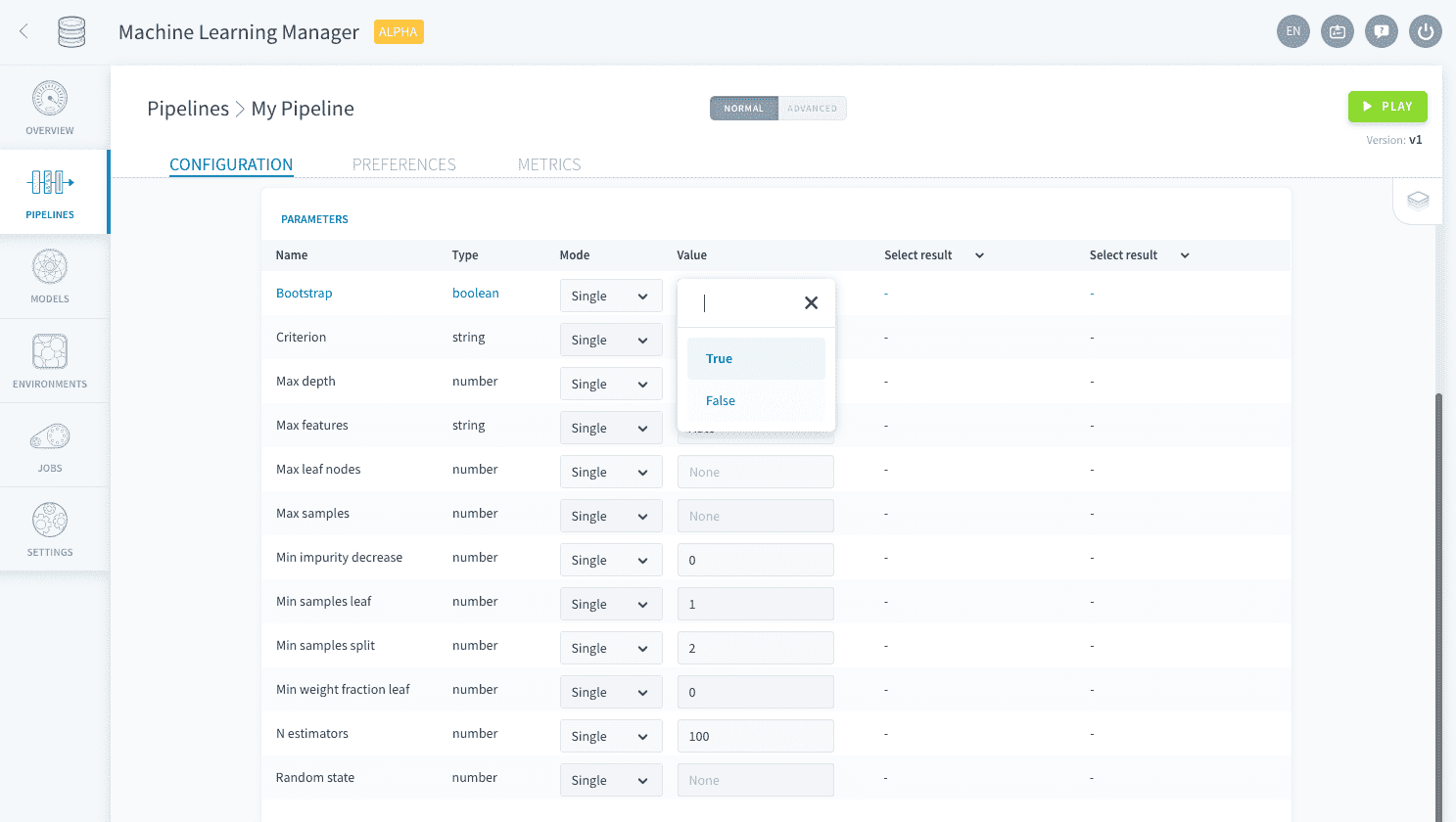
Each of them has a default value already entered. To modify the value set for a specific hyper-parameter, edit it in the Value column.
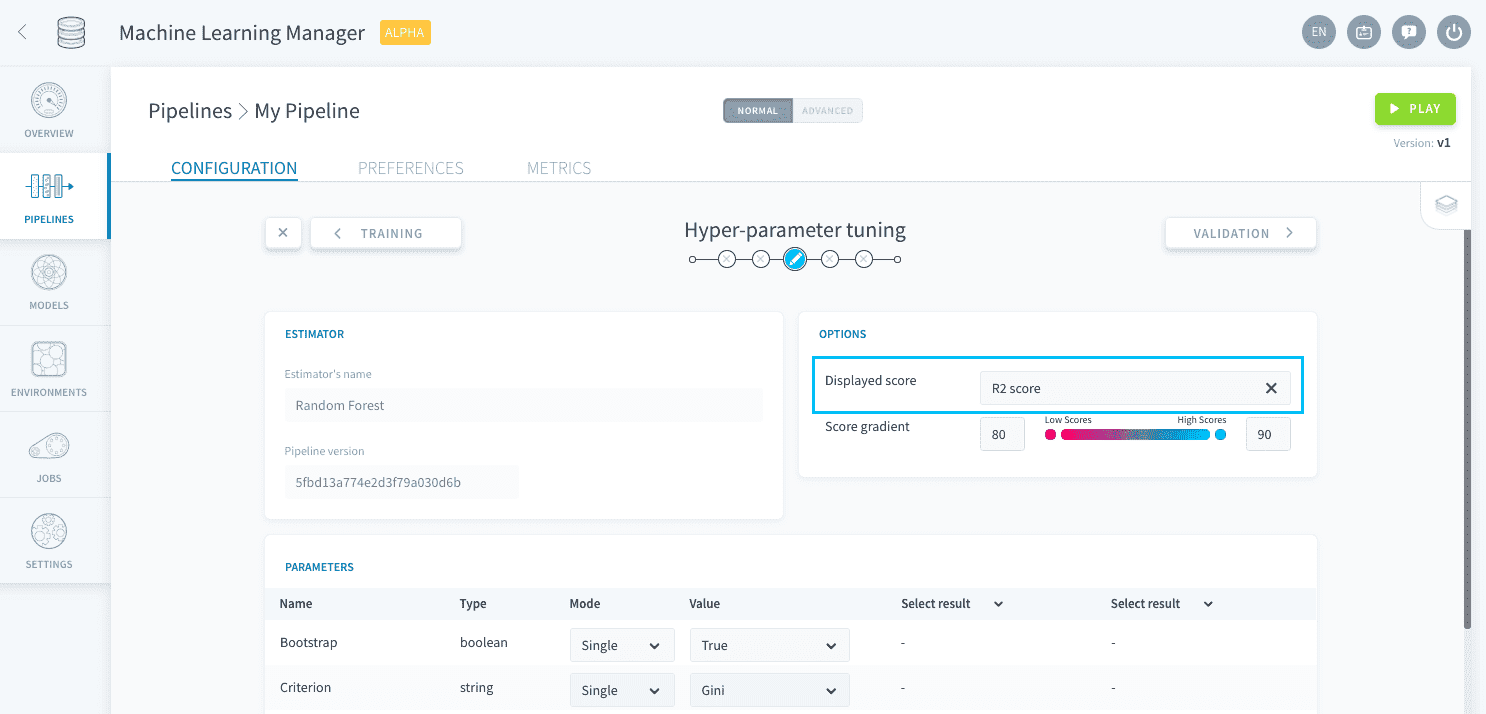
When your pipeline is executed, training jobs will use the resulting hyper-parameter configuration for the ML estimator. The scoring function used for the validation method can be set in the Visual Options panel.
Explore different values
If you don't know how to configure it, ForePaaS also lets you explore the impact of different hyper-parameters values on the score of the resulting model in the studio.
Select the Multiple value for the Mode column and enter all the values that you want to explore for any hyper-parameter.
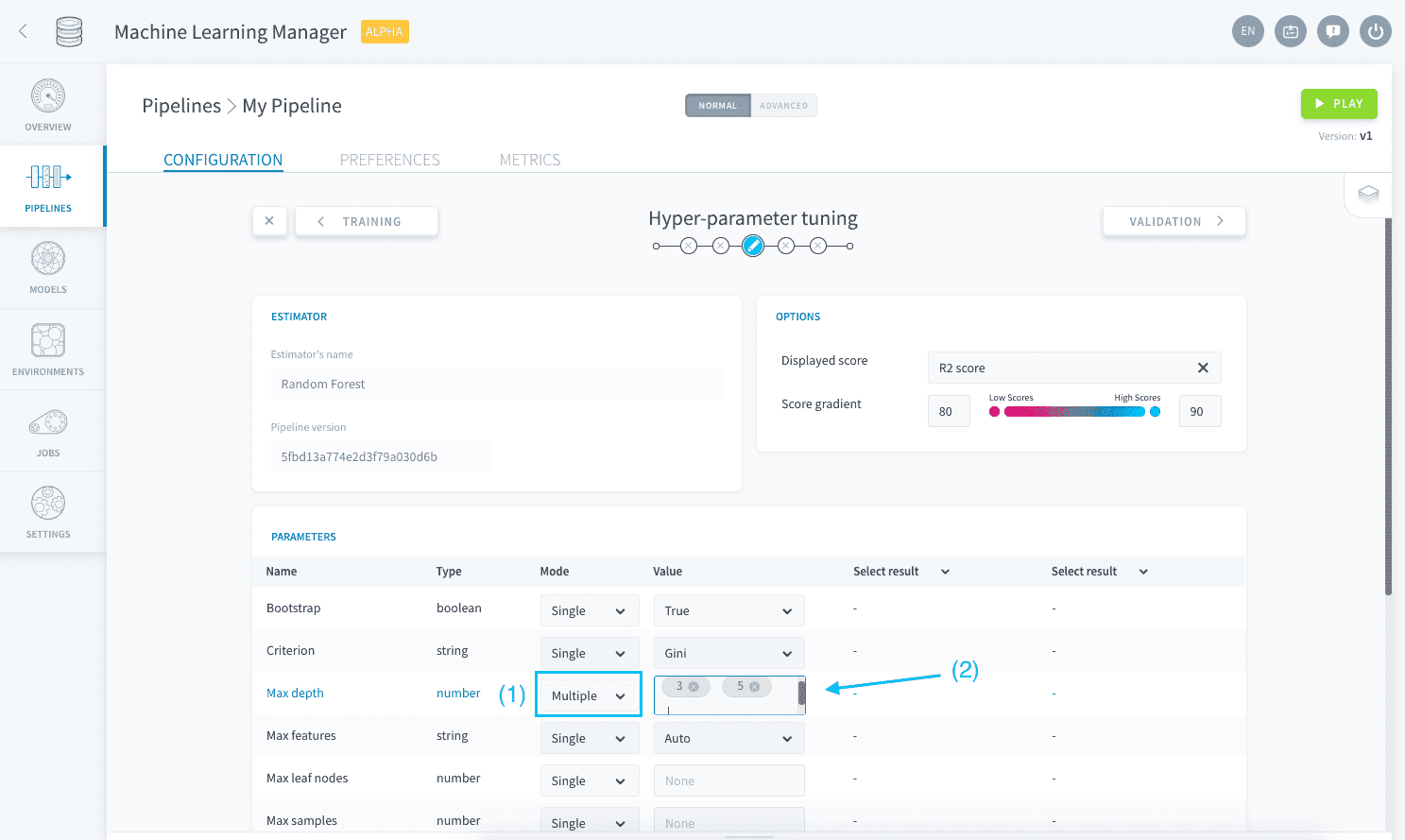
This will create a grid of combinations that will all be trained and scored (using the function specified in the Visual Options panel) on the validation set every time the pipeline is executed.
Exploring a grid of hyper-parameters can quickly be very time and resource-consuming since all generated model combinations need to be trained and evaluated - especially when you have cross-validation activated.
When a pipeline is executed with multiple hyper-parameter combinations, while all resulting validation scores are displayed in the studio only the model with the highest validation score is saved for deployment. This saved model will then be listed in the model selection step.