

Pipelines
This page describes the Machine Learning Manager, a service of the ForePaaS Legacy Platform that is not available on OVHcloud Data Platform. See the current documentation.
Pipelines are the feature that enables you to create a machine learning model from scratch and deploy it to make predictions. It is a production-grade end-to-end environment in which a model evolves through its life-cycle in a traceable way.
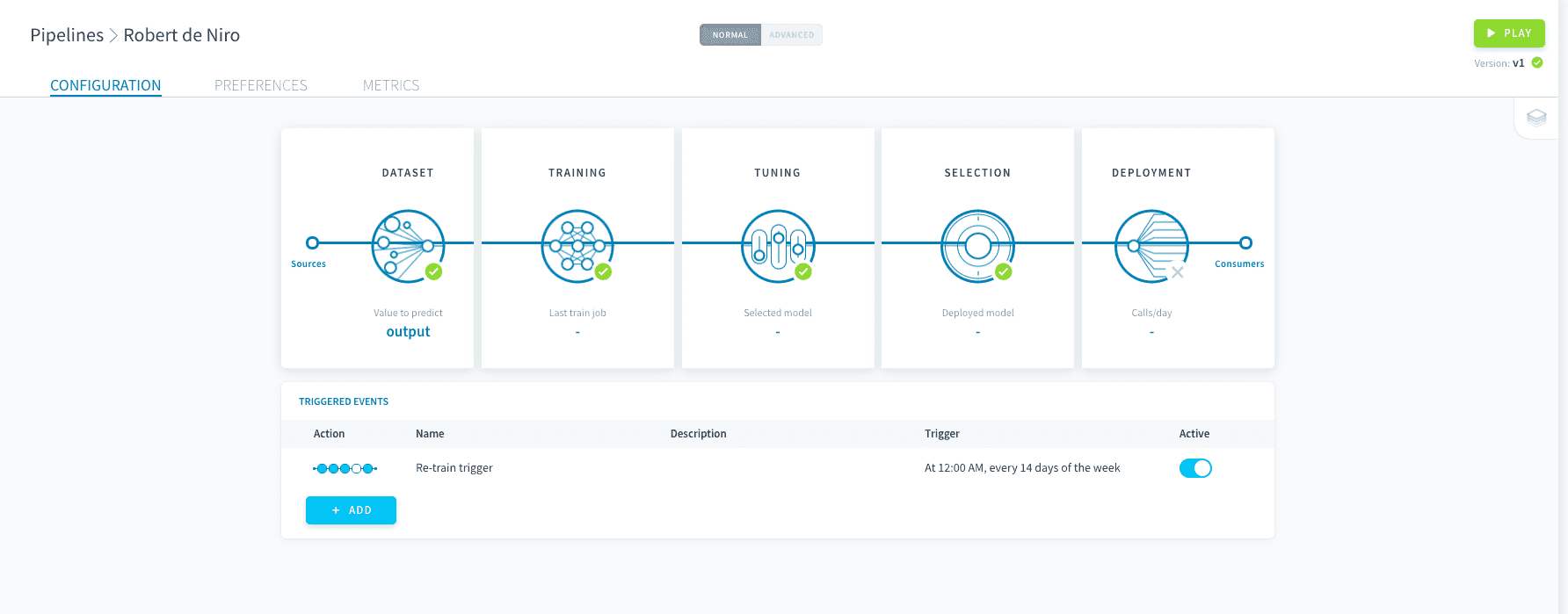
Pipelines can store several trained models and their versions, but only one can be deployed to make predictions.
Create a pipeline
To create a pipeline, head to Pipelines in the ML component.
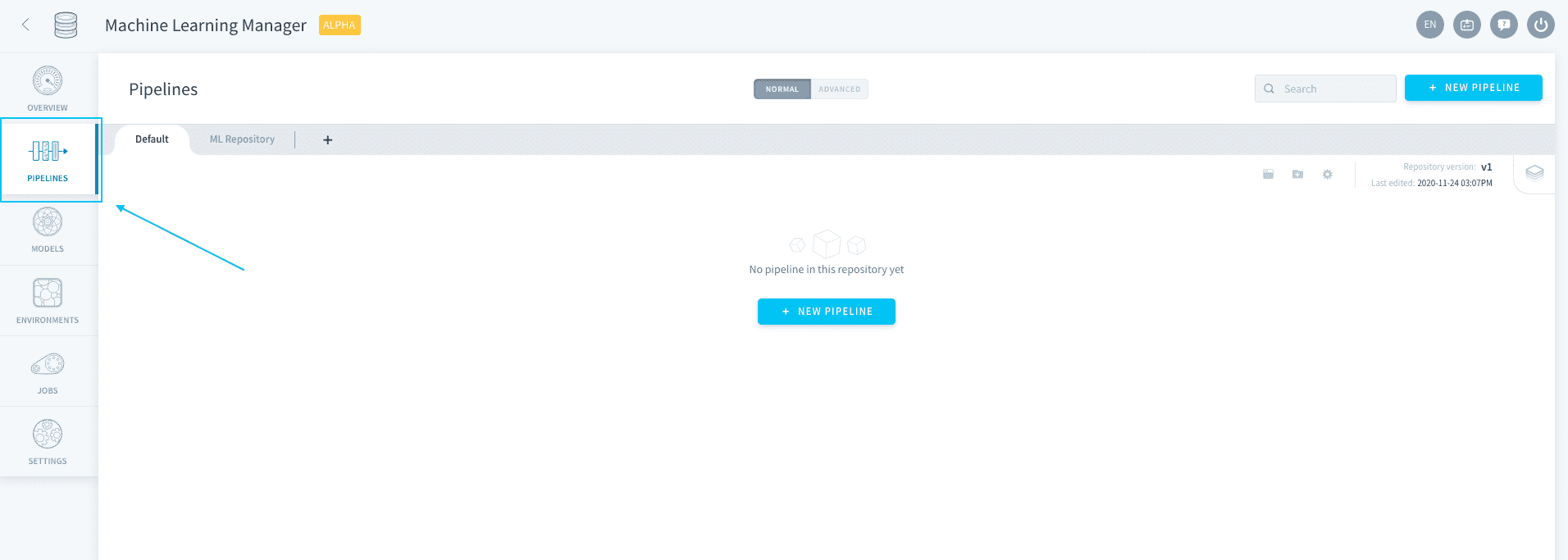
If you haven't already started a machine learning Project, start by initializing a repository. Else simply click on New Pipeline at the top-right.
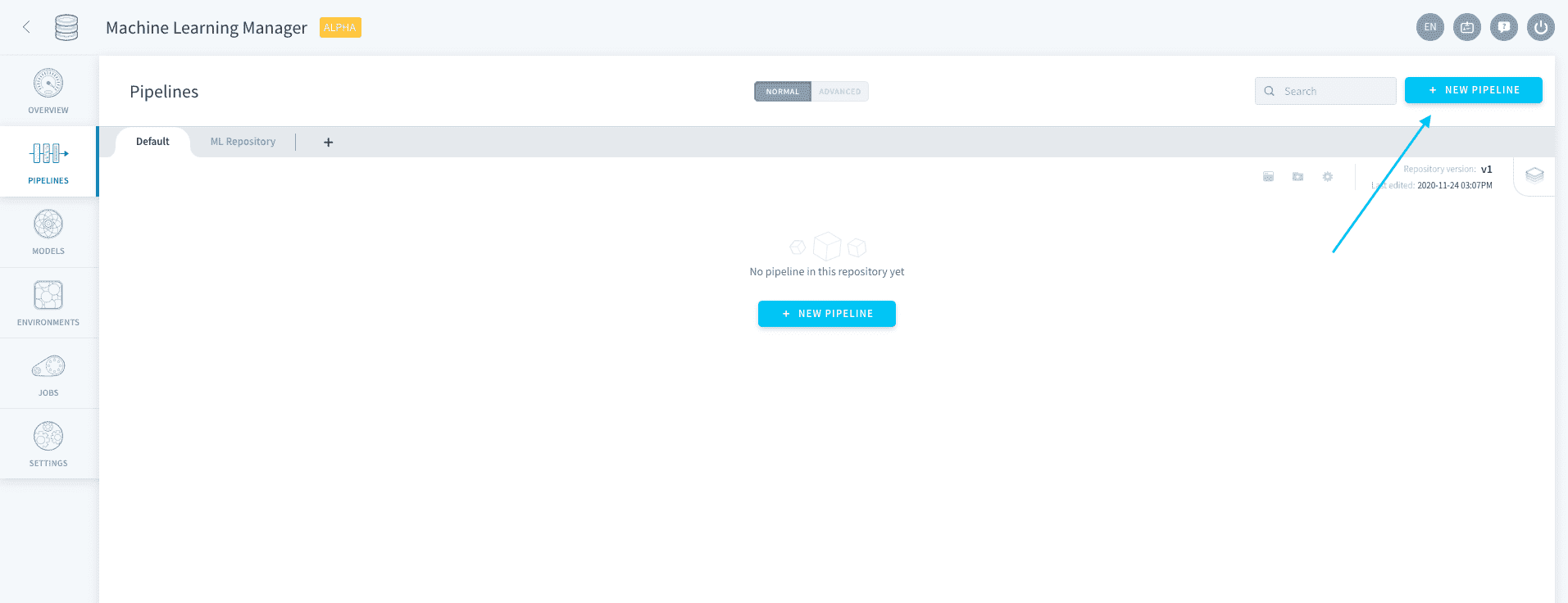
Wait a few seconds for your pipeline to be built. After being built for the first time, pipelines are in auto-save mode. You can exit and come back to the configuration at any time.
Manage pipelines
Pipeline repositories
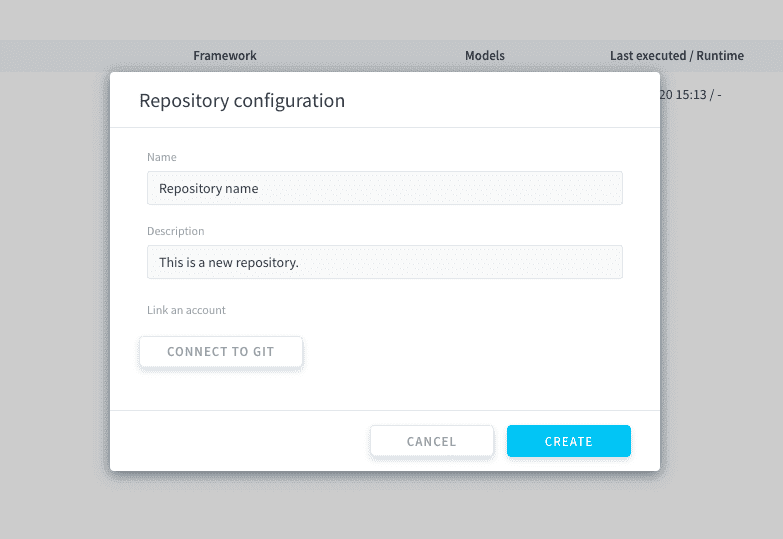
Pipelines are stored in ForePaaS repositories. You can initialize a new repository by pressing the ➕ sign in the Pipelines tab.
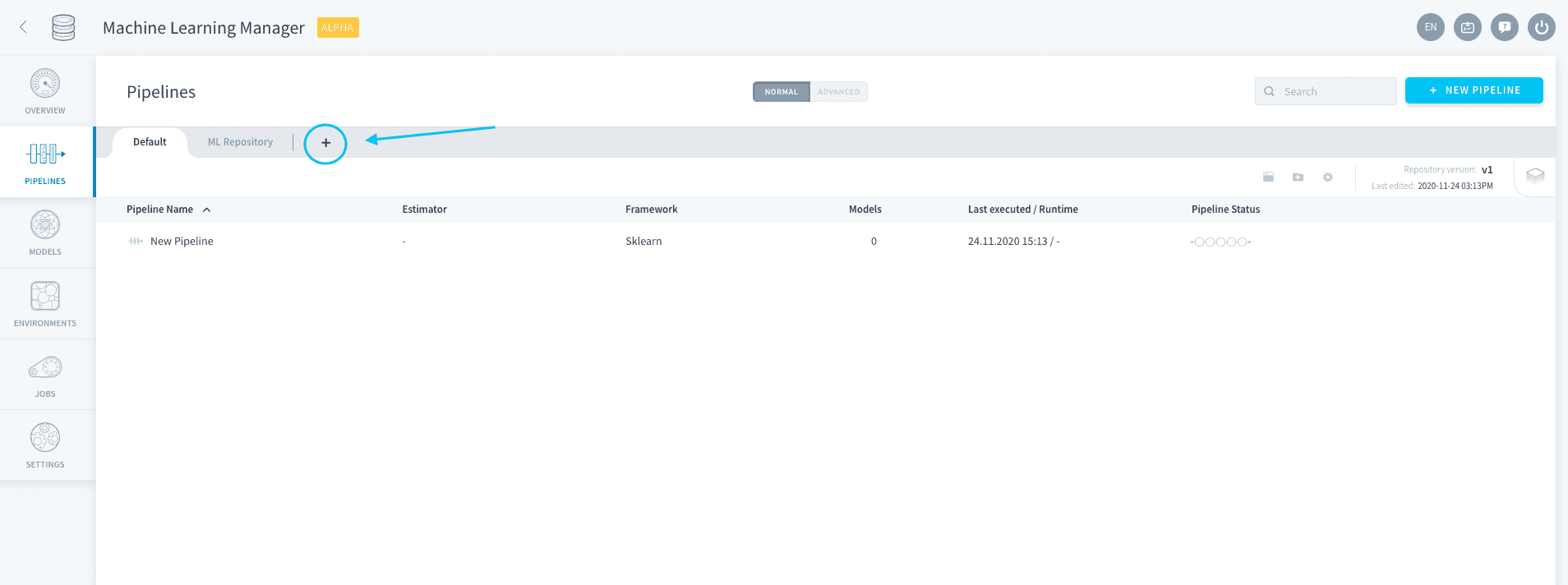
You can edit the name and description of the pipeline, as well as connect it to an existing Git repository.
Edit pipelines
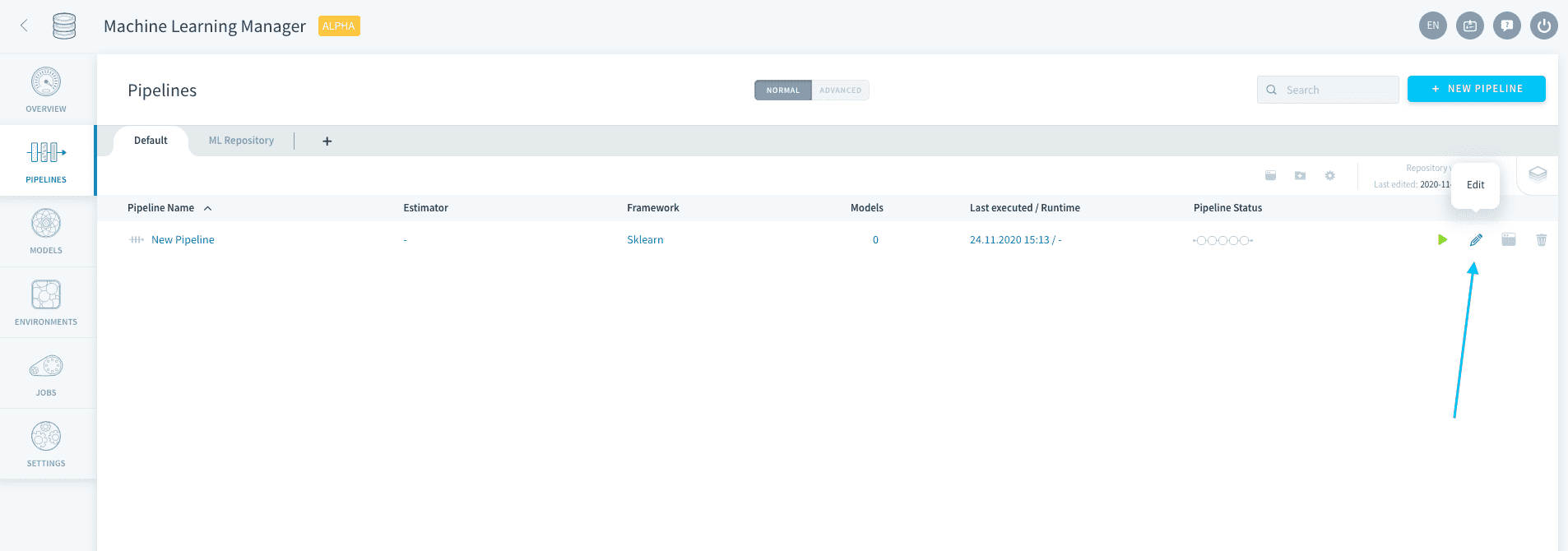
Pipelines can be configured from the repository list by clicking on the pen 🖊️ icon, or by double-clicking the pipeline.
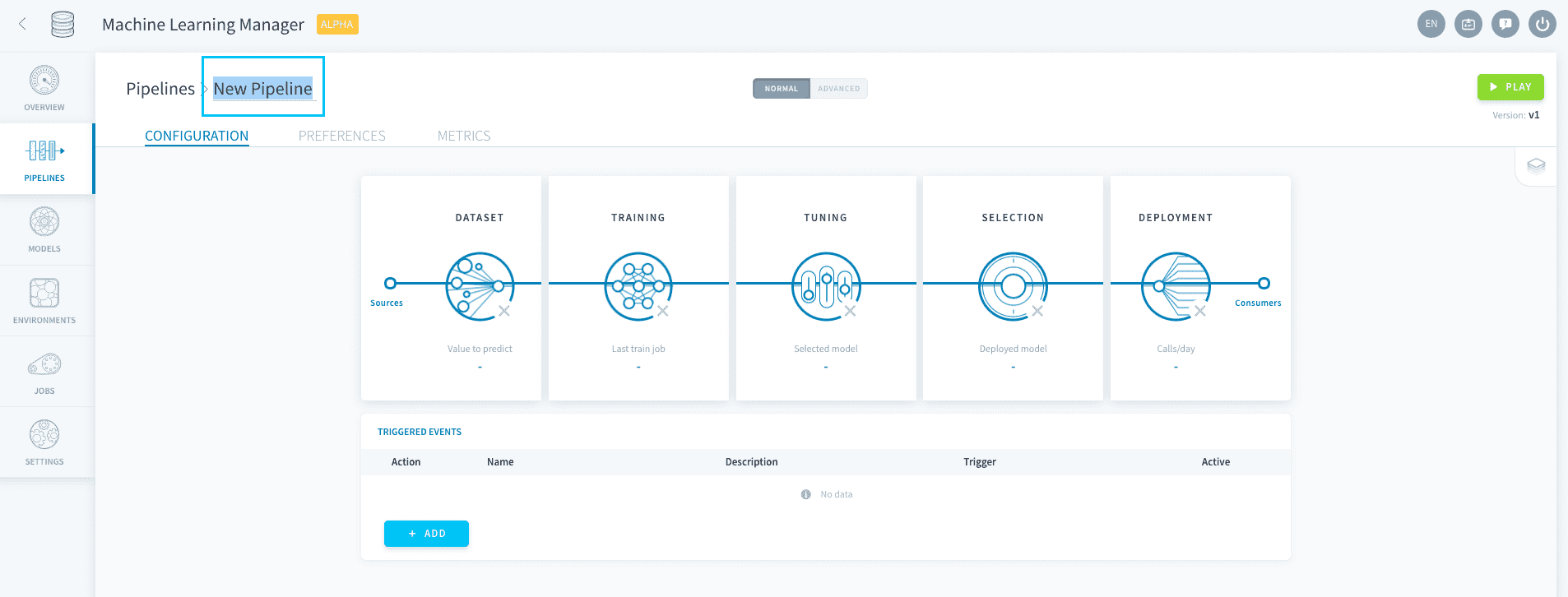
Pipelines can be renamed when configuring them, by double-clicking on their name at the top-right.
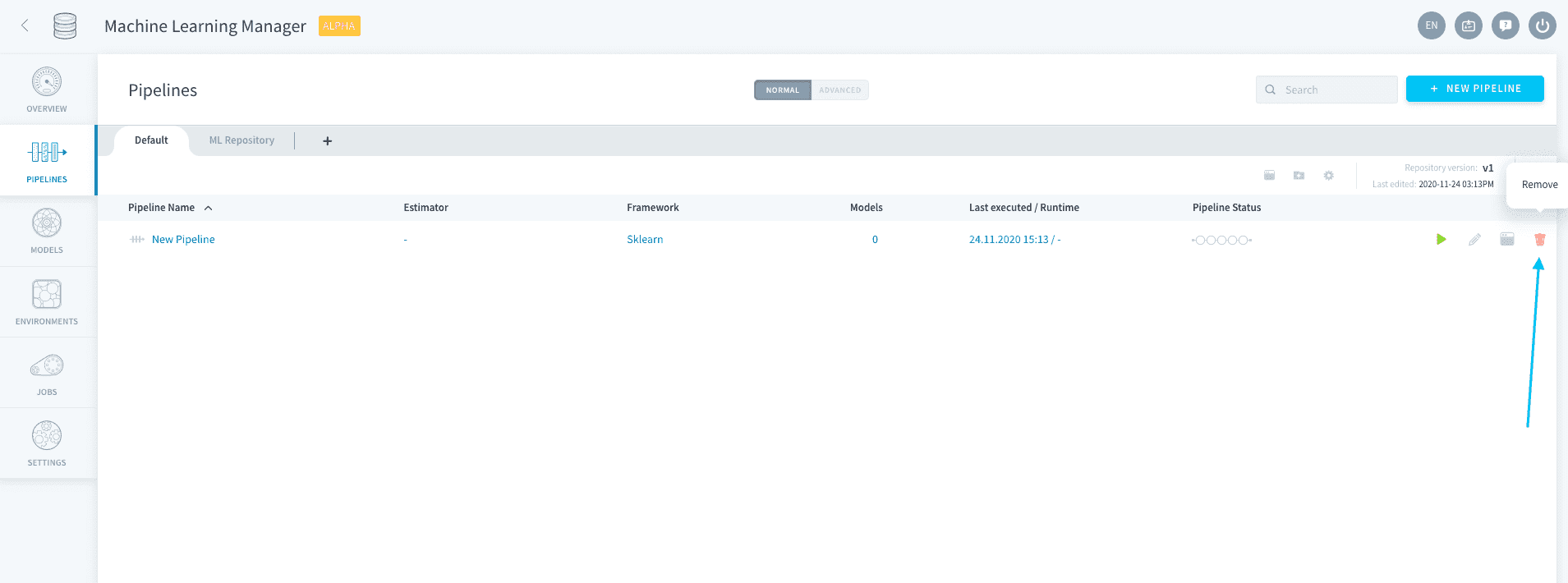
Pipelines can be deleted from the repository list by clicking on the trash 🗑️ icon.
Deleting a pipeline does not delete its saved models. Models that were generated by a deleted pipeline are still accessible on the Models tab.
Go further
If you need training or technical assistance to implement our solutions, contact your sales representative or click on this link to get a quote and ask our Professional Services experts for a custom analysis of your project.
Ask questions, give your feedback and interact directly with the team building the Data Platform on the dedicated Discord channel.
If you need support with your OVHcloud services, create a request in our Help Centre.
Join our community of users.