

Delete a Project
Deleting a Project completely and permanently erases its data. Use only when necessary! You can delete a Project via the Project Card menu in the Homepage
Objective
You must have project permission delete in order to delete projects. These permissions are set at user level in the Organization IAM.
Deleting a Project completely and permanently erases its data. Use only when necessary!
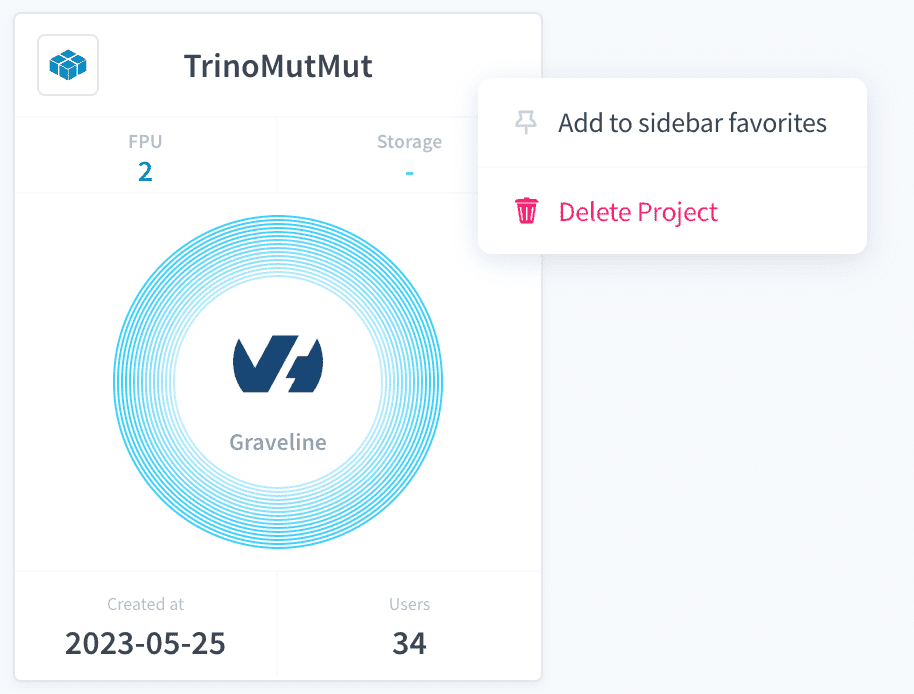
Choose the Project to delete
You can delete a Project via the Project Card menu in the Homepage.
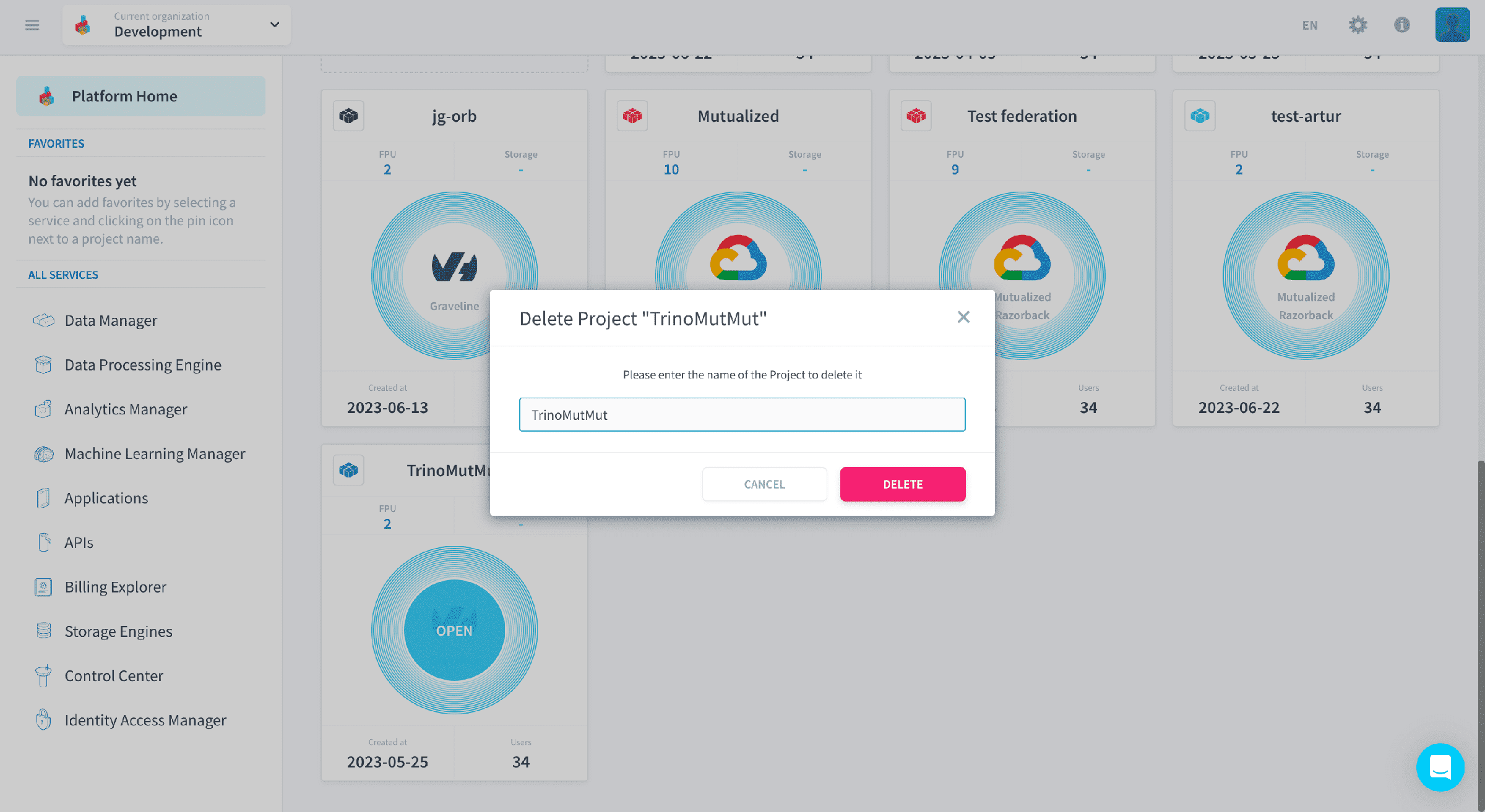
Confirm decision by typing Project name
After you click on Delete Project you will be prompted to confirm your decision by typing your Project name.
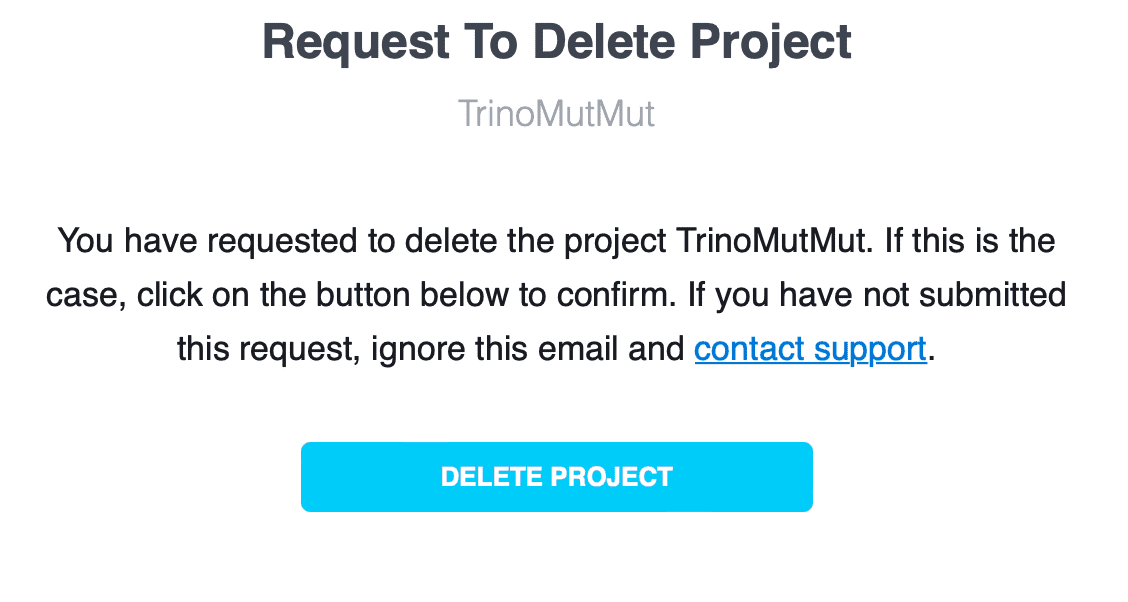
Click on link on email received
You will receive an email with a link to confirm the deletion of your Project. Just click on the confirmation link to delete the Project.
Go further
For training or technical assistance implementing our solutions, contact your sales representative or visit our Professional Services page to request a quote and have your project analysed by our experts.
Ask questions, give your feedback and interact directly with the team building the Data Platform on the dedicated Discord channel.
If you need support with your OVHcloud services, create a request in our Help Centre.
Join our community of users.