

Create an account on Data Platform
ForePaaS Legacy Platform no longer accepts new signups. If your company would like to get started on the platform, please use OVHcloud Data Platform
Objective
ForePaaS Legacy Platform no longer accepts new signups. If your company would like to get started on the platform, please use OVHcloud Data Platform.
Connecting to OVHcloud Data Platform can be done in either one of two ways:
- connecting by using an OVHcloud account
- connecting by using a local Data Platform account (invitation required)
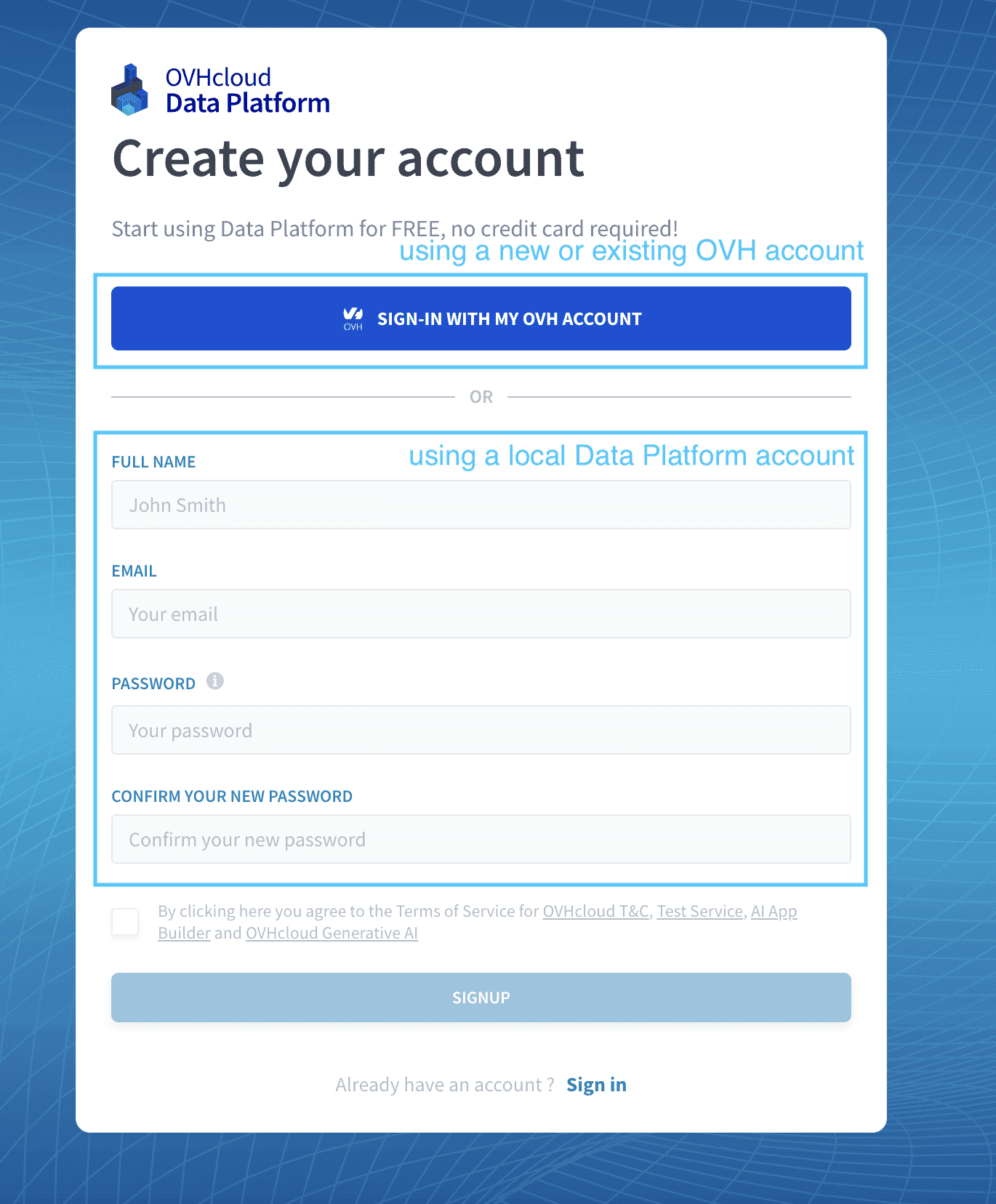
Signup using an OVHcloud account
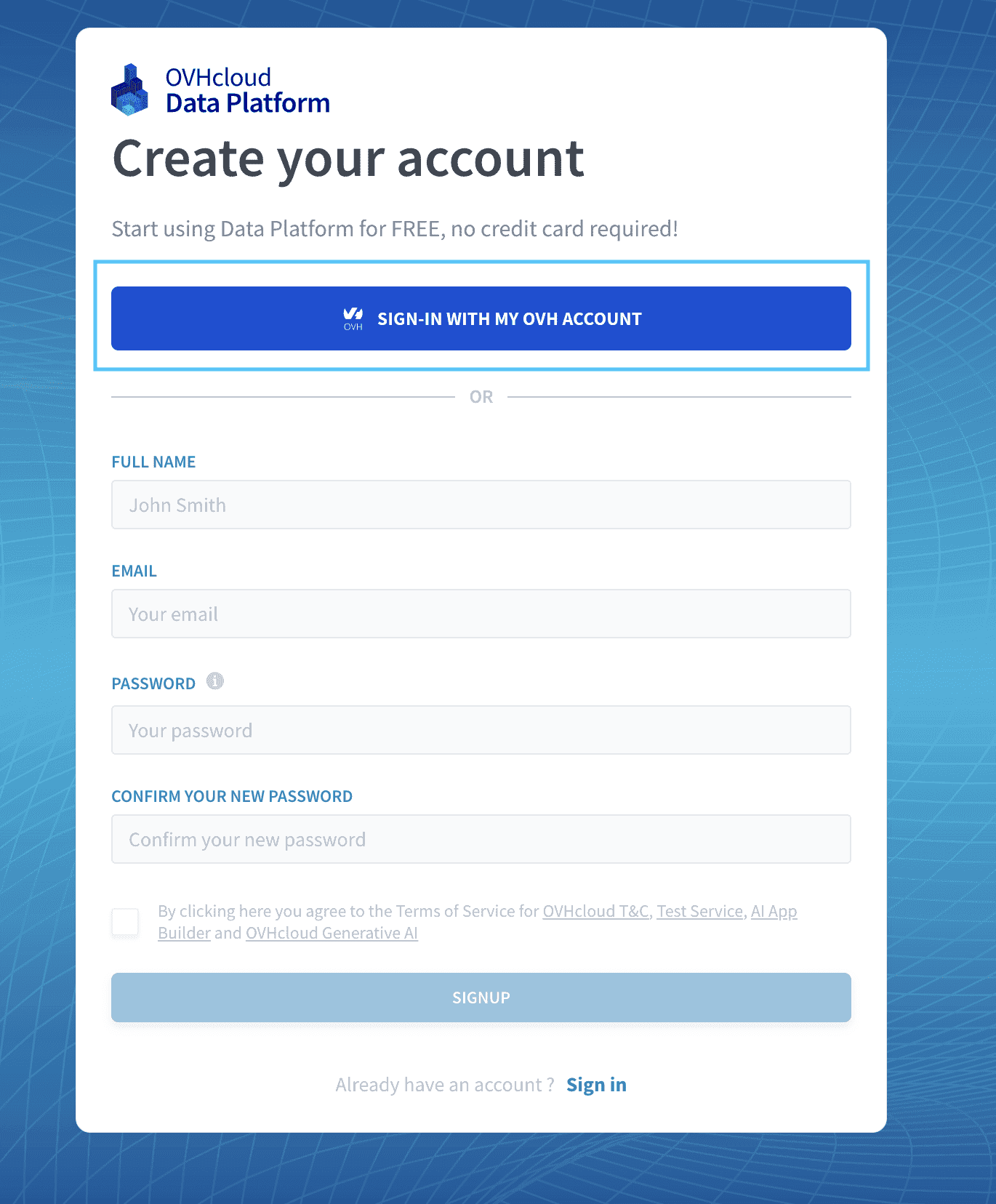
This is the recommended method to connect to Data Platform.
You can connect to Data Platform using an OVHcloud account by pressing the blue button on the signup/signin page.
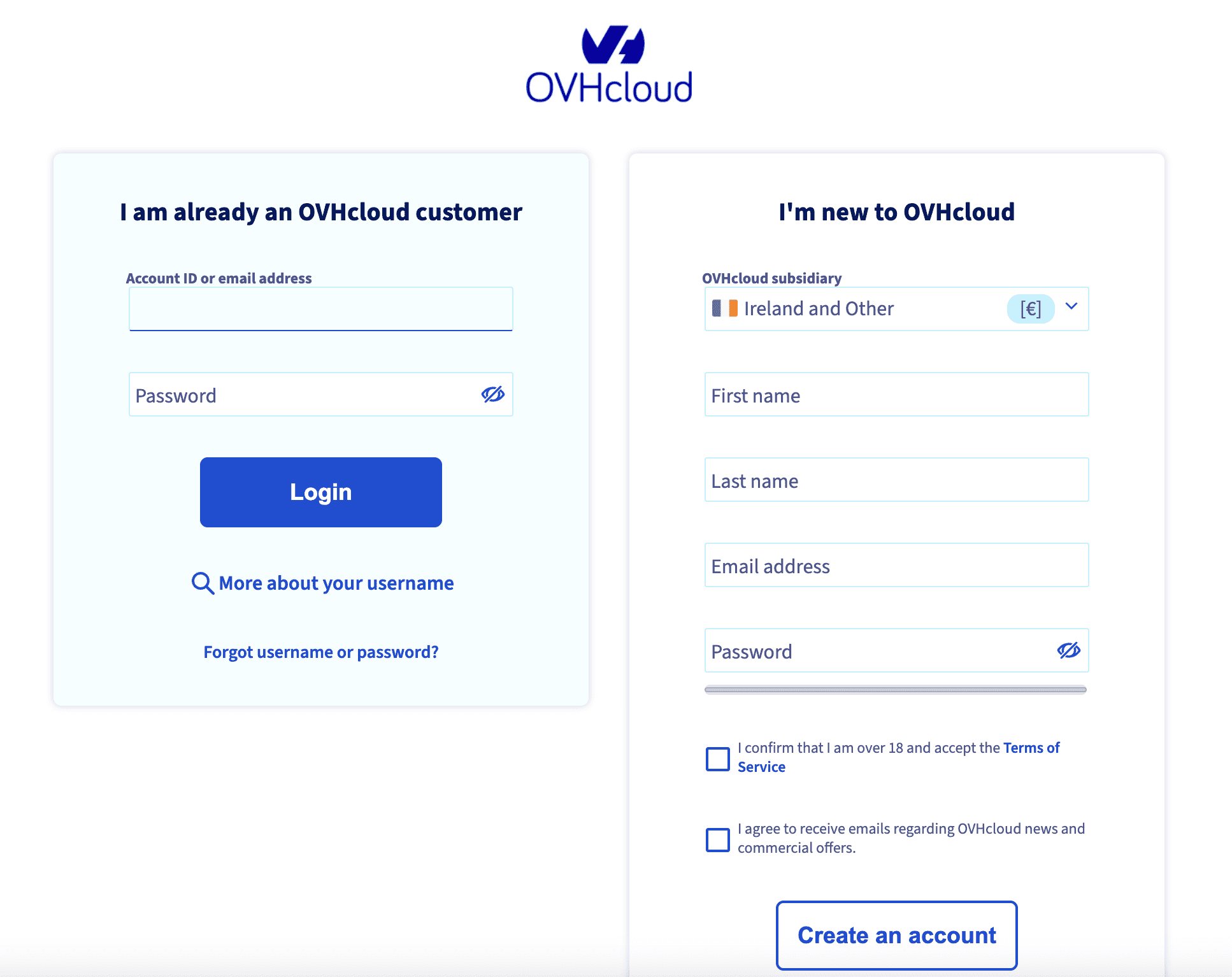
You will then have the option to either use an existing account or to create a new one there.
Signup using a local Data Platform account
To use this option, it is required to have been invited in an existing Data Platform Organization by an admin from your company beforehand. Consequently, at least one person in your organization needs to have signed up using an OVHcloud account.
If you are joining people from your organization that are already signed-up on the platform, you can fill out the form to signup to the platform using a email & password combination.
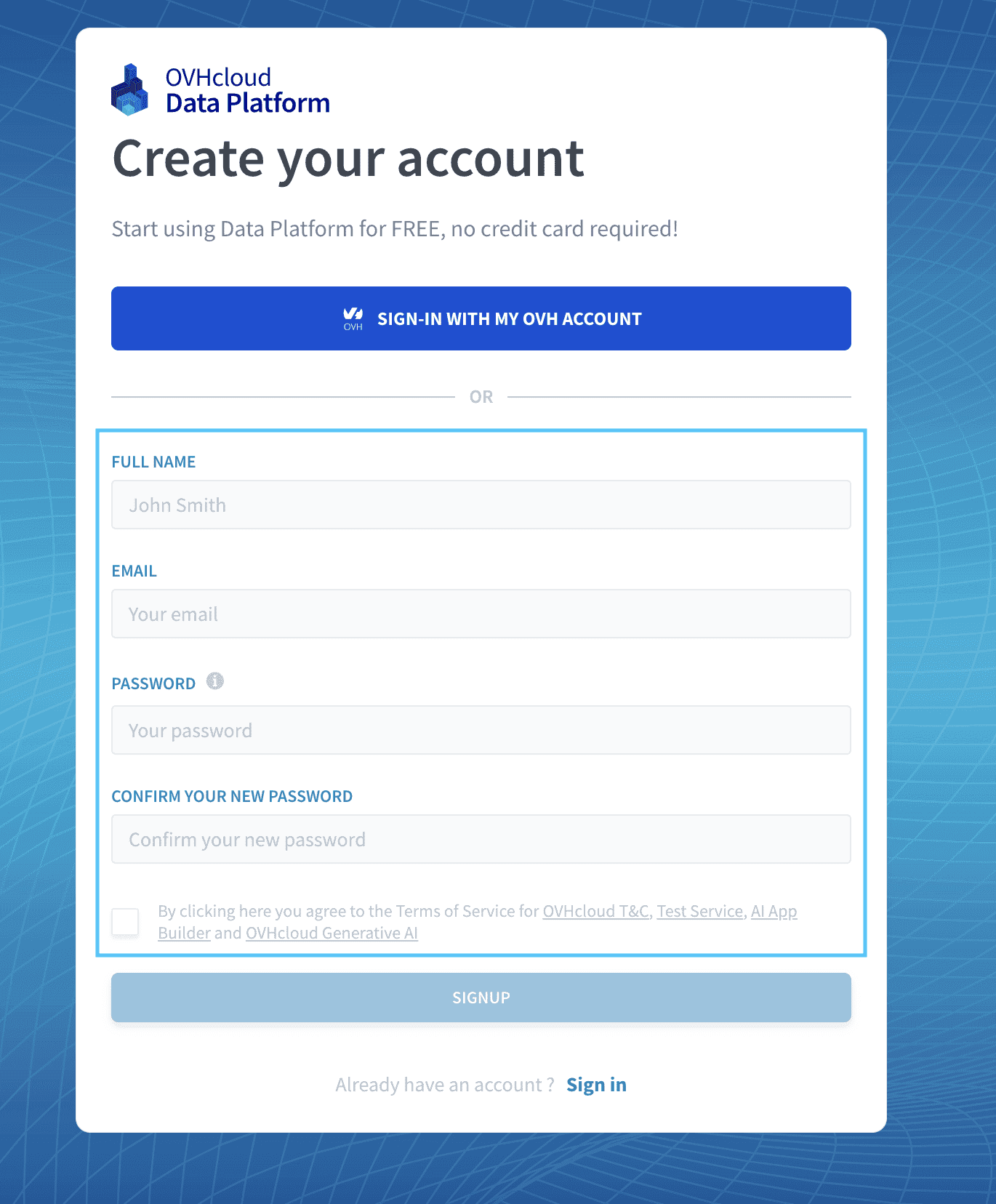
To use this option, it is required to have been invited in an existing Data Platform Organization by an admin from your company beforehand. Consequently, at least one person in your organization needs to have signed up using an OVHcloud account.
Go further
For training or technical assistance implementing our solutions, contact your sales representative or visit our Professional Services page to request a quote and have your project analysed by our experts.
Ask questions, give your feedback and interact directly with the team building the Data Platform on the dedicated Discord channel.
If you need support with your OVHcloud services, create a request in our Help Centre.
Join our community of users.