

Pipeline Preferences
This page describes the Machine Learning Manager, a service of the ForePaaS Legacy Platform that is not available on OVHcloud Data Platform. See the current documentation.
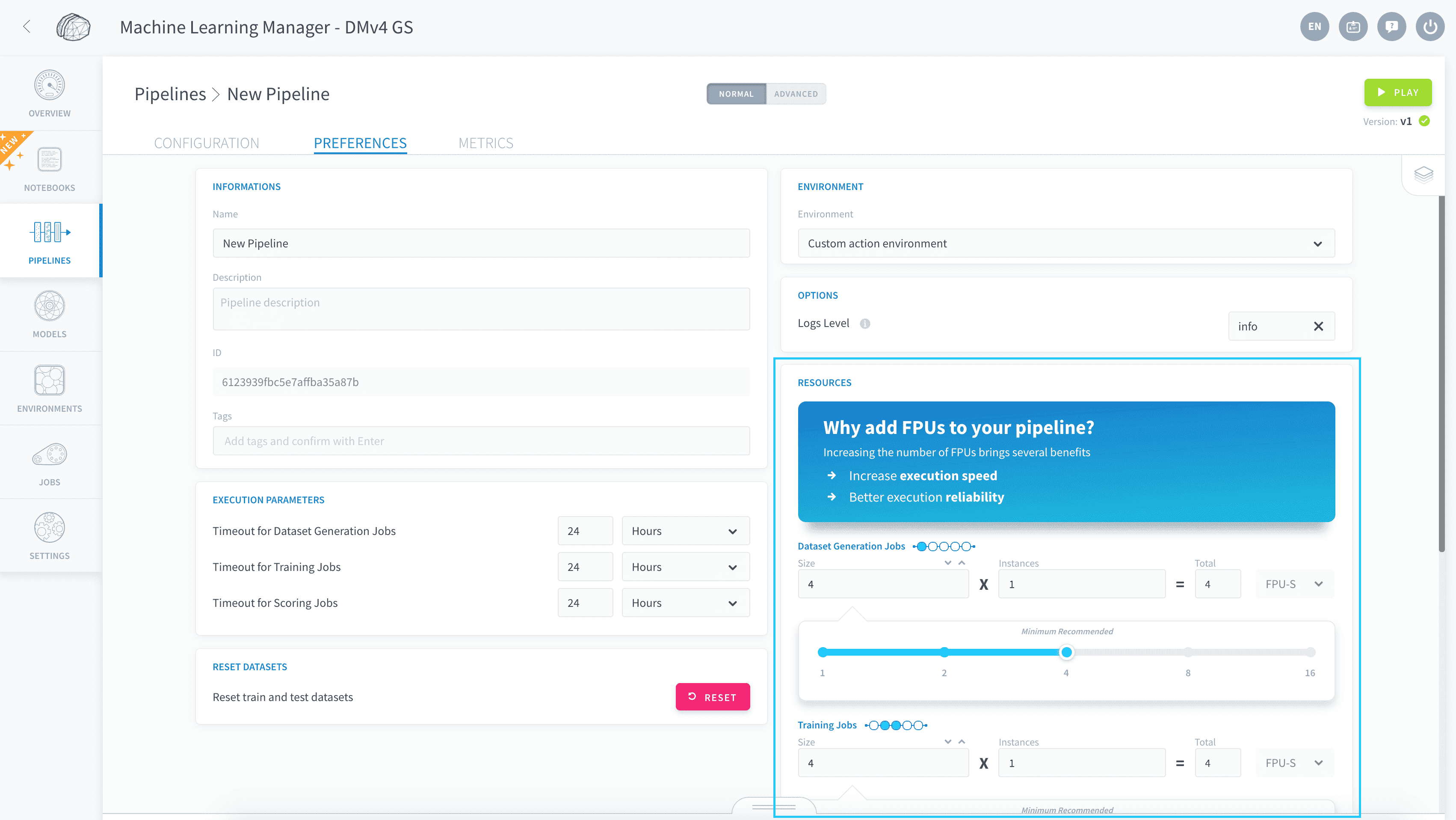
Each ForePaaS pipeline possesses several execution settings which can be managed via the Preferences tab of the pipeline edition menu.
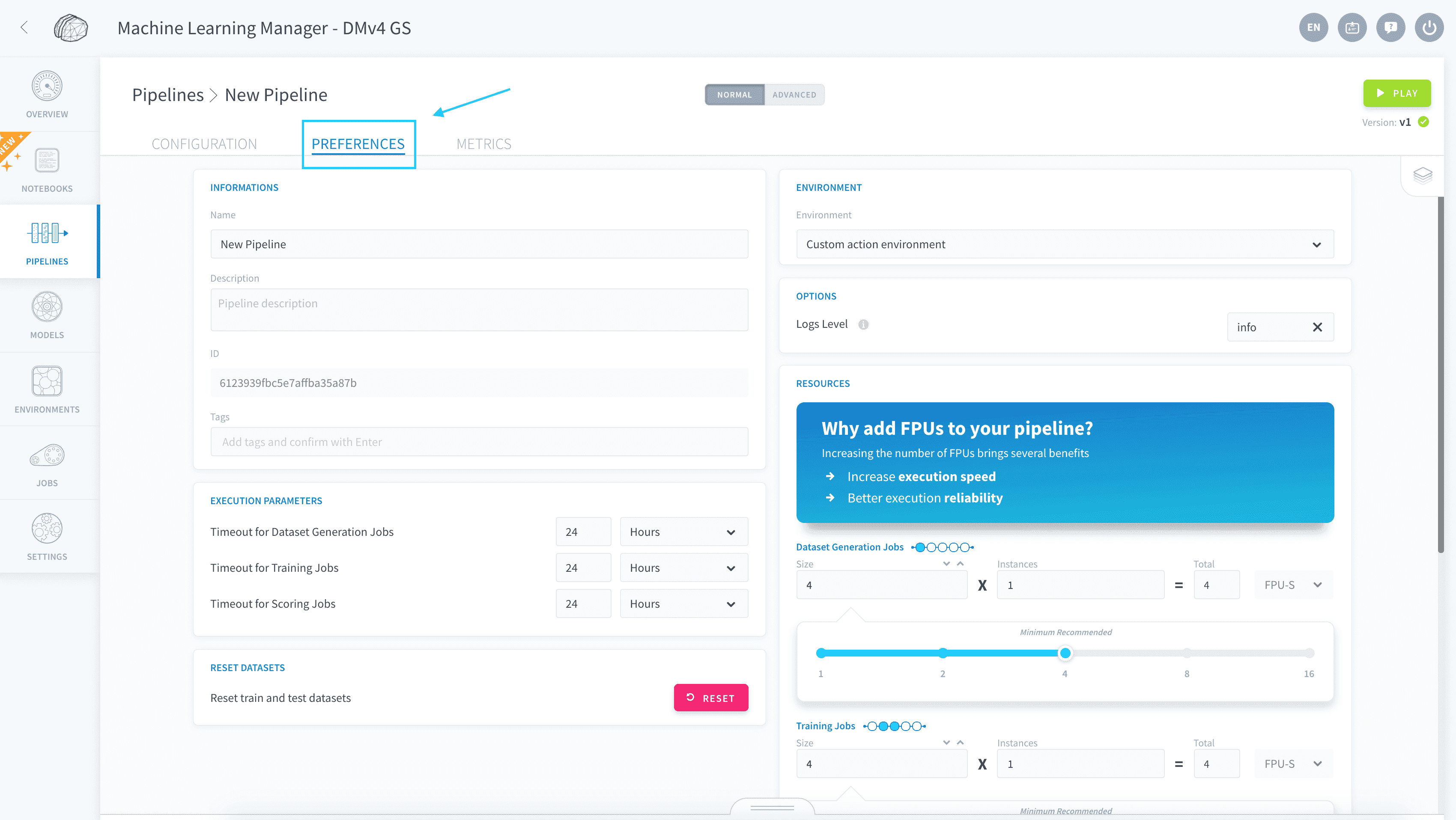
Here are the main settings:
Pipeline information
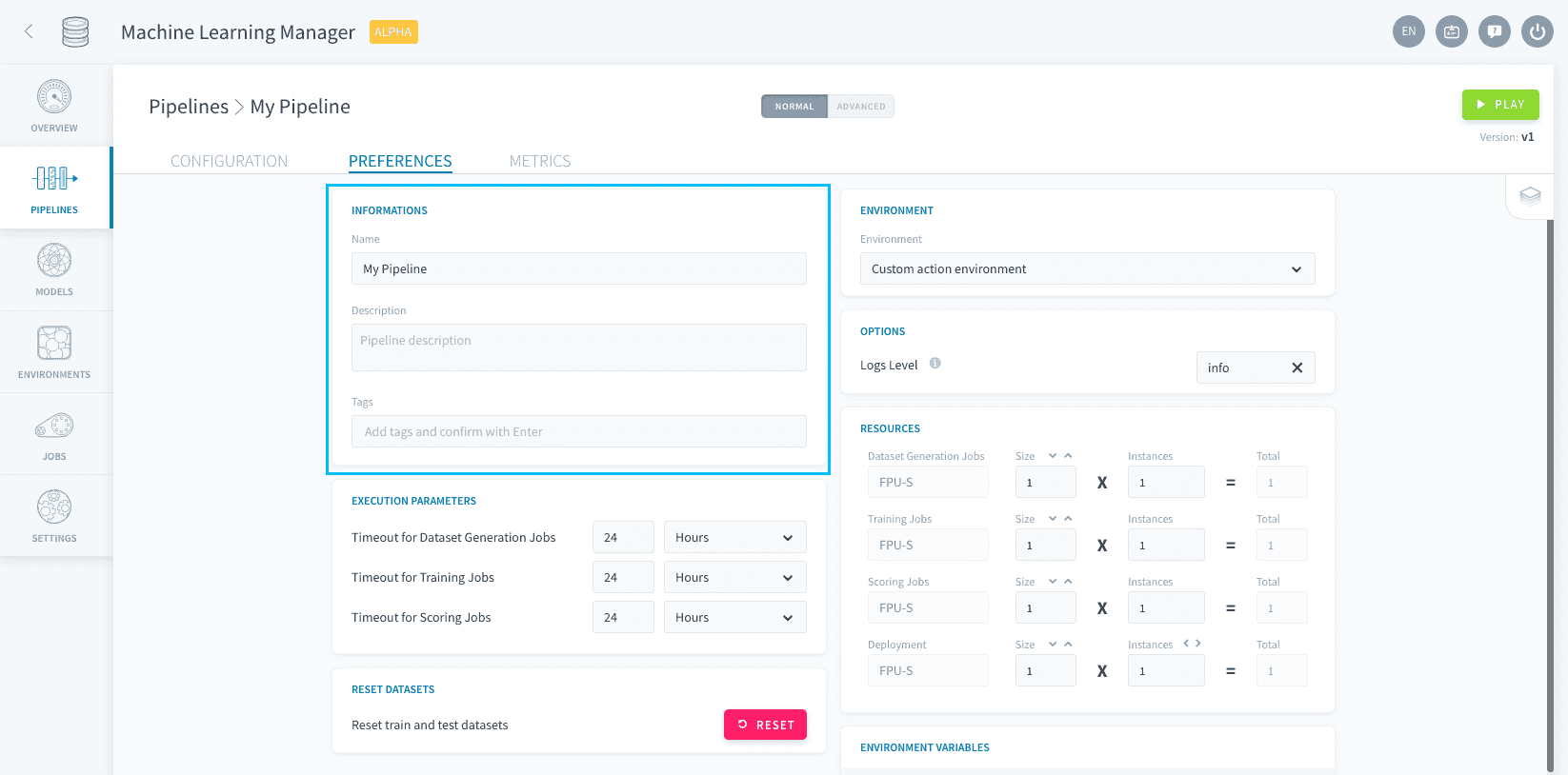
In the Informations box, you can set the name, description and tags for your pipeline.
Timeout options
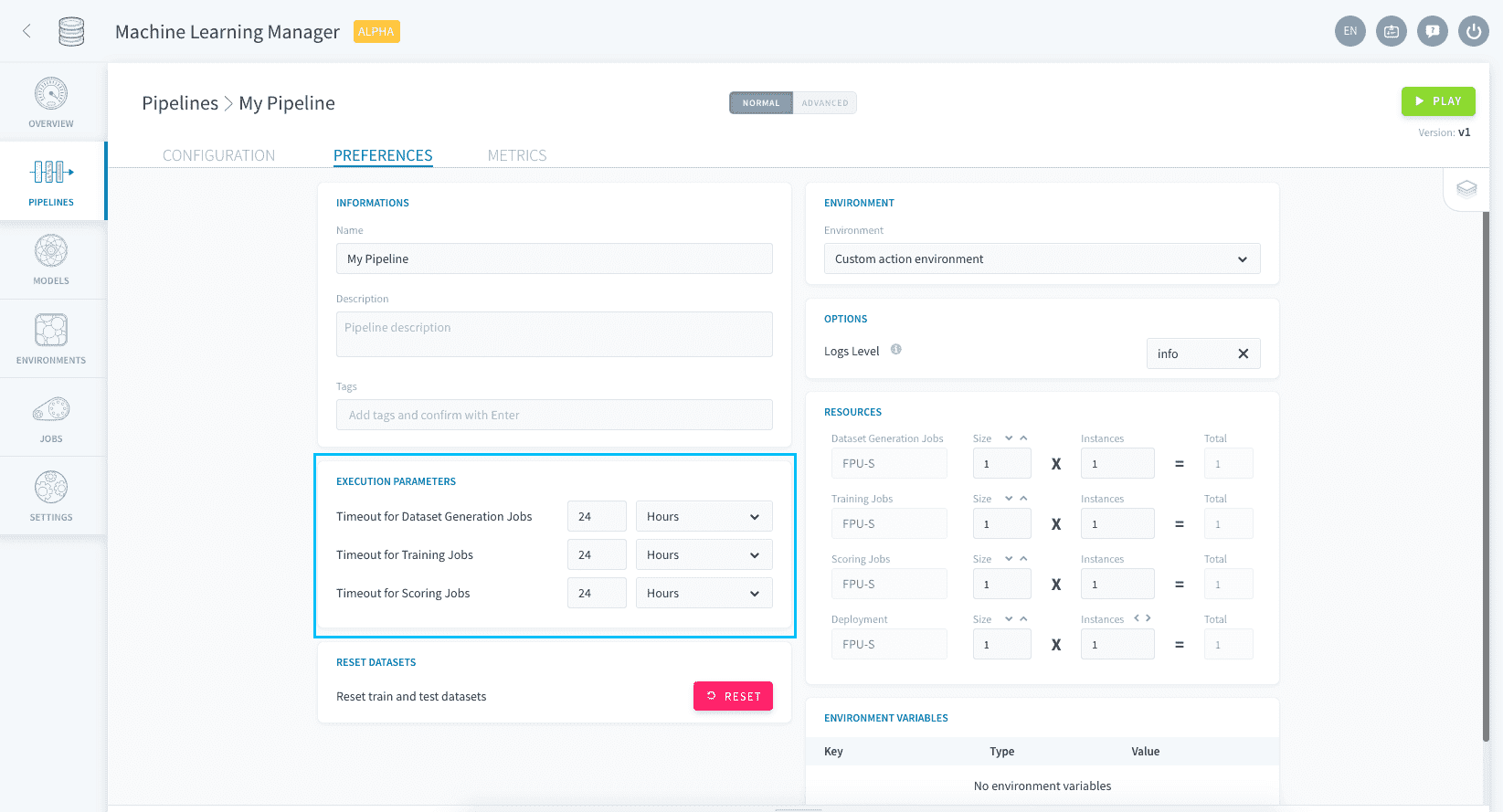
The Execution Parameters box lets you set timeout and failure options.
Timeout is the runtime after which a job is interrupted if it hasn't finished. You can set a different runtime for all four possible jobs.
If a job fails while running a pipeline (i.e. several consecutive jobs), the whole pipeline is interrupted and the next jobs will not be run.
Environment options
Set an environment
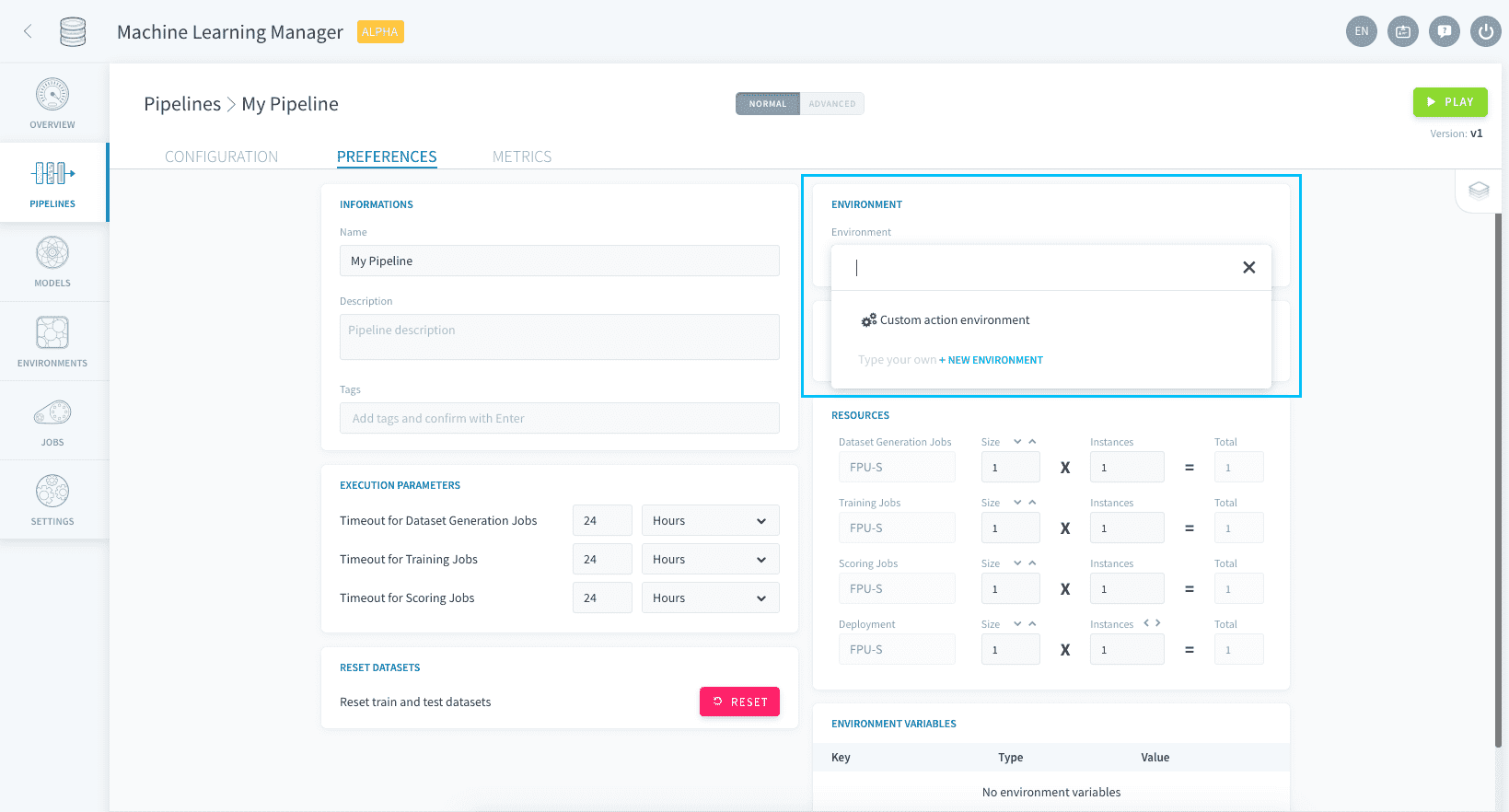
The boxes on the right of the screen are the ones that relate to an environment, just like in a DPE action. By default, there is no environment applied and you can customize all settings within the Preferences page.
If you want to harmonize the set of settings to all the pipelines you build, you can specify them at the environment-level. Go to Environment in the sidebar to create an environment, and apply it to each pipeline by specifying it in the Related Environment box in the pipeline's Preferences page.
Resources
You can specify the resources dedicated to each kind of machine learning jobs in the Resources panel.
Reset datasets
By default, pipelines are engineered so that the training and testing datasets never spill into each other over time, as ForePaaS manages the life-cycle of the data for you. However, you might want to occasionally reset your ML datasets, if corrupt or incorrect data leaked into your Testing set or if the structure of the training data changes radically.
You can decide to manually reset training, testing and validation datasets of a specific pipeline in its Preferences page by pressing this button:
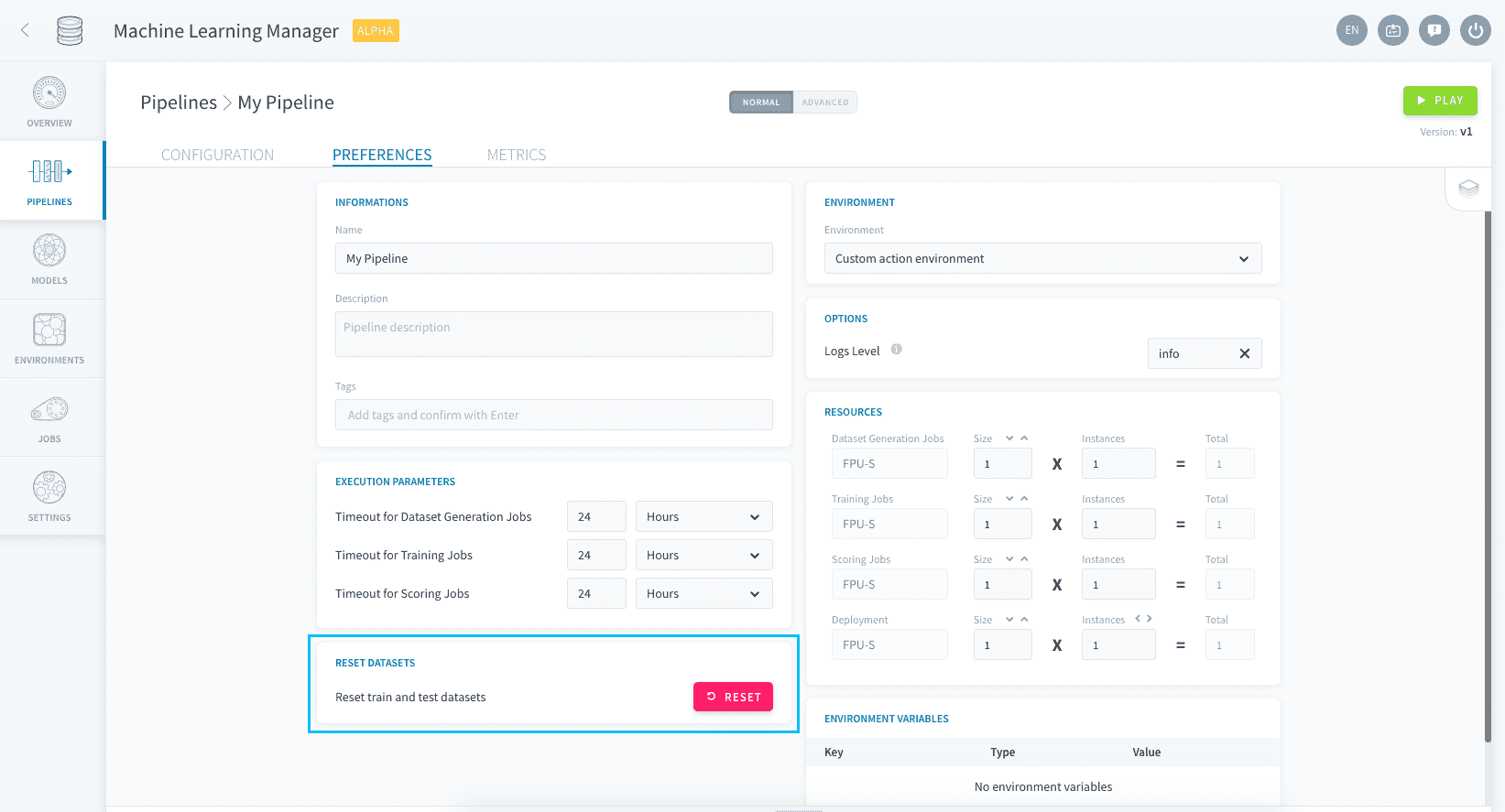
This will not reset the rest of your pipeline configuration such as the features choice, estimator and hyper-parameter tuning, or the generated models.
Go further
If you need training or technical assistance to implement our solutions, contact your sales representative or click on this link to get a quote and ask our Professional Services experts for a custom analysis of your project.
Ask questions, give your feedback and interact directly with the team building the Data Platform on the dedicated Discord channel.
If you need support with your OVHcloud services, create a request in our Help Centre.
Join our community of users.