

Models
This page describes the Machine Learning Manager, a service of the ForePaaS Legacy Platform that is not available on OVHcloud Data Platform. See the current documentation.
The Models page is where you will find the full list of models that exist in all the ML Projects (i.e. repositories) of your Project. It is by default filtered on deployed models only but you can also choose to display all models.
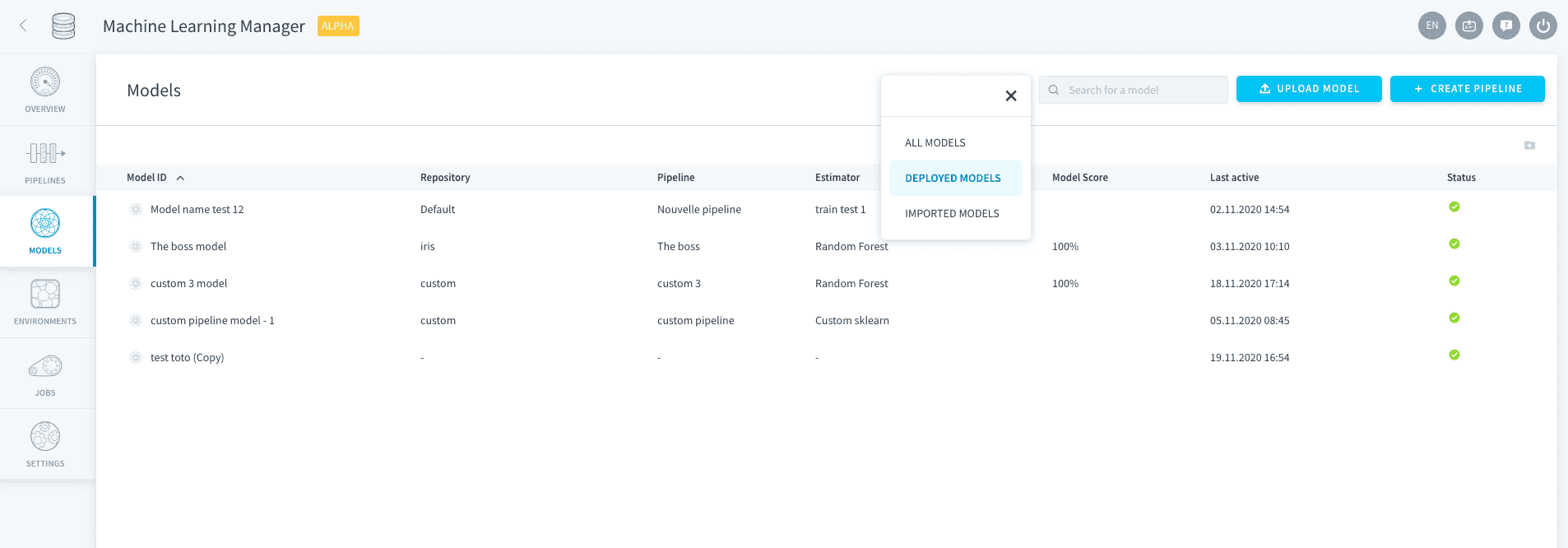
On the ForePaaS Platform, we call model the combo of two elements: an estimator and its parameters fitted on training data. There are two types of models you can find on ForePaaS:
- Models created through a ForePaaS pipeline: ForePaaS models
- Models either imported externally or that belonged to an erased pipeline: standalone models
Import an external model
If you already have a model that you trained outside of ForePaaS but you'd like to use our deployment technology to use it in production, you have the possibility to do so. Check out the link below to learn how.
To design and train your own model on ForePaaS, you need to go through a pipeline. Either go to the Pipelines tab in the sidebar or use the shortcut 'Create pipeline' at the top-right of the Models page.
Manage your models
The Models page is a control center from where you can pilot all your models.
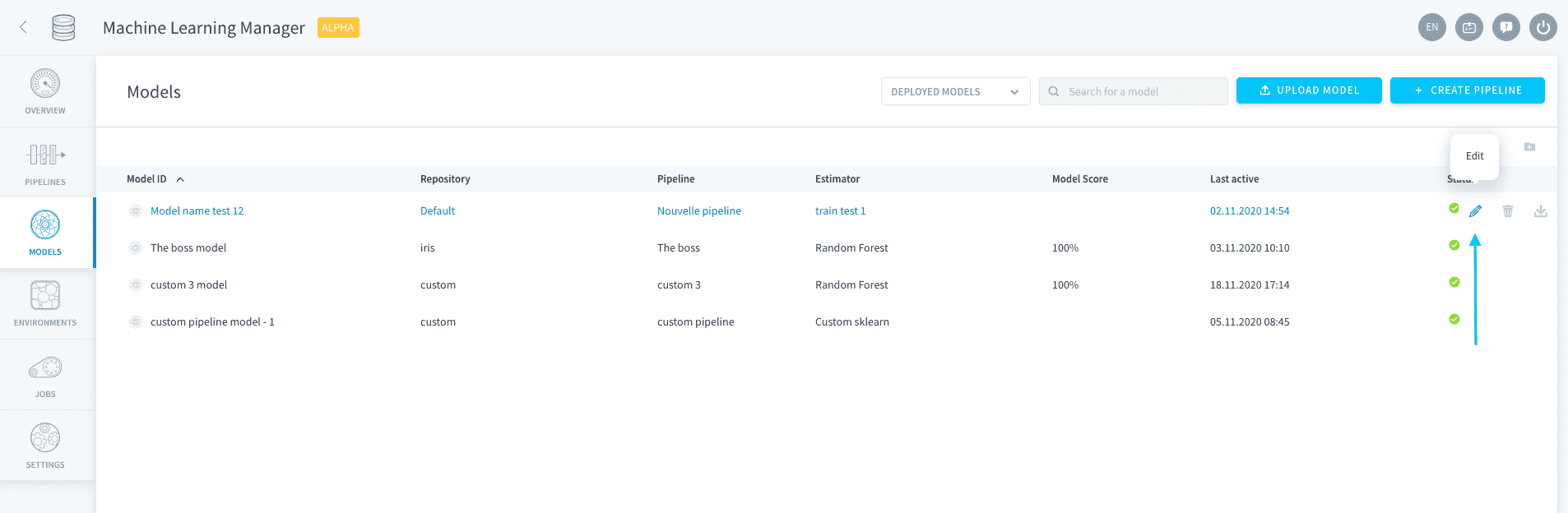
If you want to modify your model, simply click the Edit 🖋 icon. If your model was made through a ForePaaS pipeline, this will let you edit the pipeline. If your model is a standalone model, this will open its configuration page.
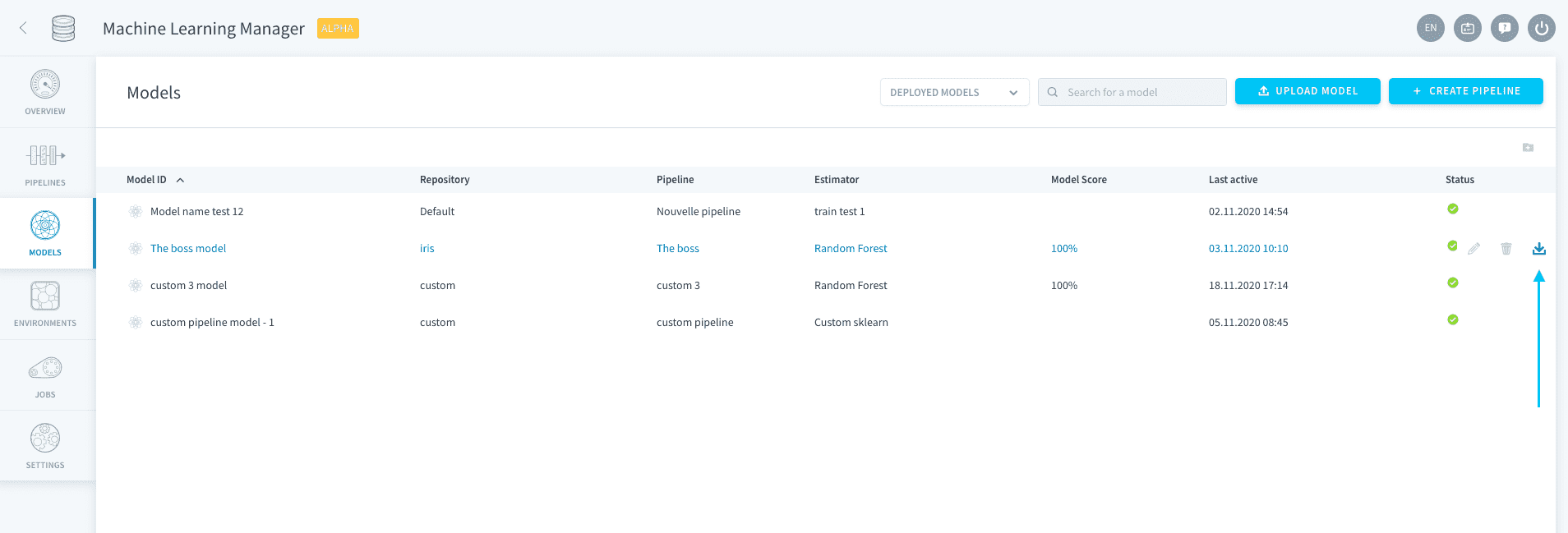
You can also download a model file onto your computer by clicking the Download 📥 icon.
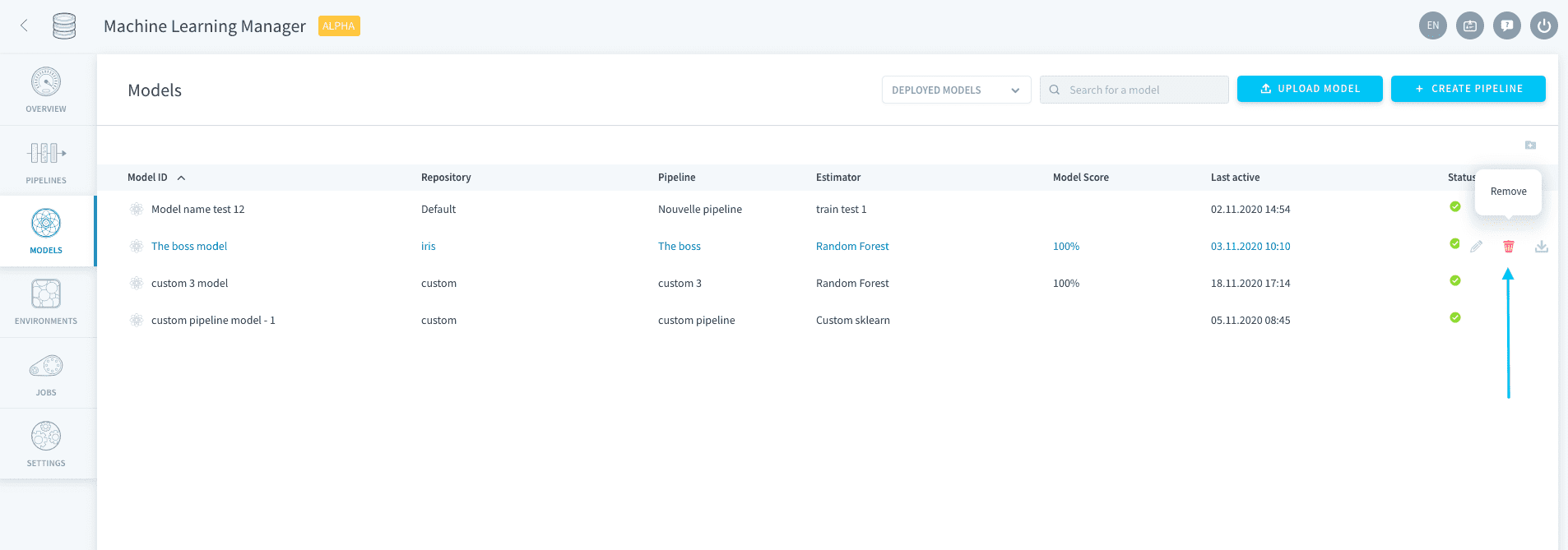
Finally, you can erase a model by clicking the Trash 🗑 icon.
Erasing a ForePaaS model does not erase its mother pipeline. This means you can still run the pipeline to generate a new version of the model.
An erased standalone model cannot be recovered unless you import it again.
Go further
If you need training or technical assistance to implement our solutions, contact your sales representative or click on this link to get a quote and ask our Professional Services experts for a custom analysis of your project.
Ask questions, give your feedback and interact directly with the team building the Data Platform on the dedicated Discord channel.
If you need support with your OVHcloud services, create a request in our Help Centre.
Join our community of users.