

Reuse execution configurations with environments
Environments allow you to save and re-use quickly a set of configurations and execution preferences in actions and workflows
Objective
Environments allow you to save and re-use quickly a set of configurations and execution preferences in actions and workflows.
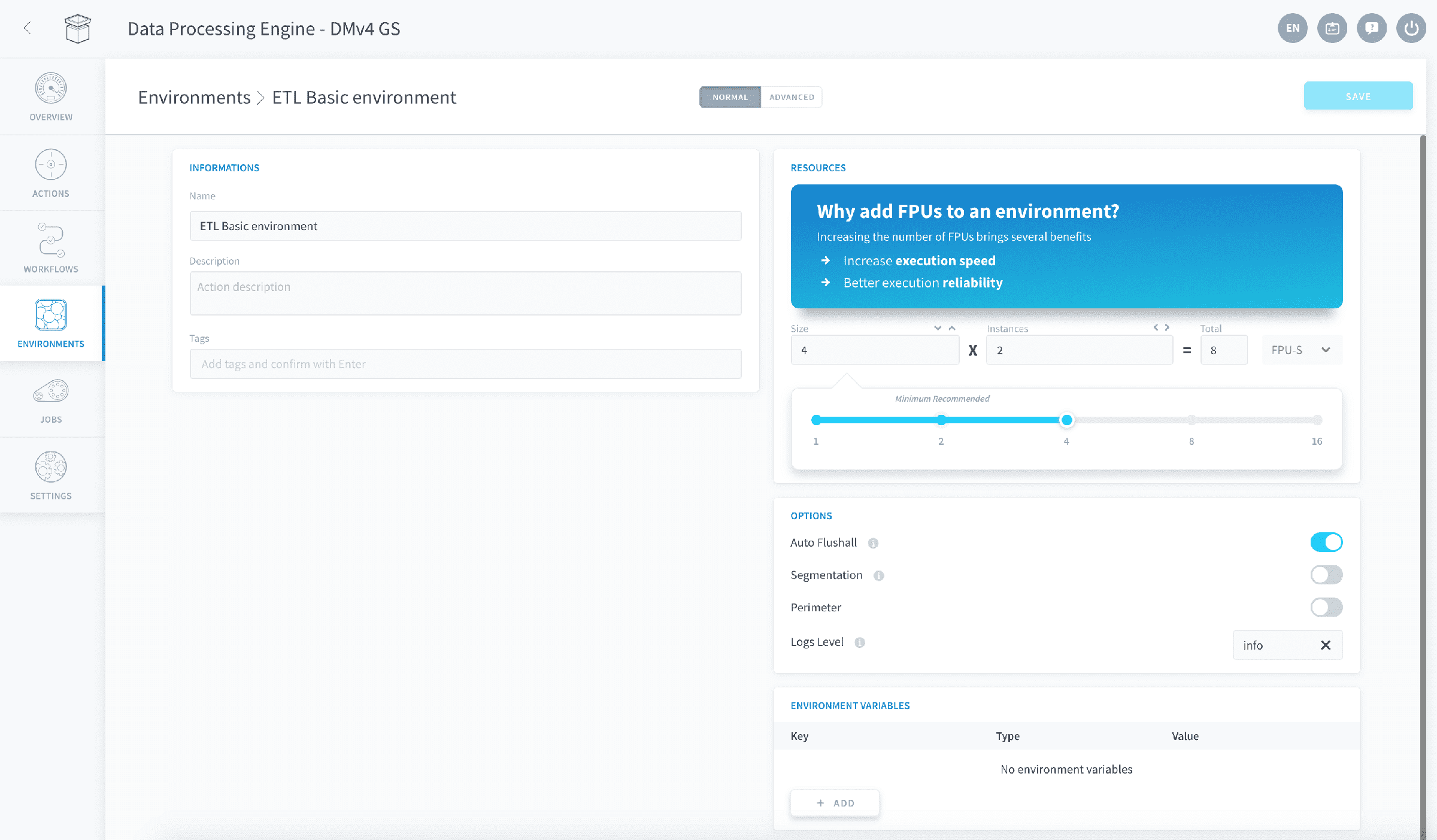
Figure 1: The environment panel
Environments are not permanent. At any time you can change a jobs environment even if one had already been applied.
If you make changes to any of the environments parameters, the changes will be reflected in all the actions and workflows to which the environment is assigned.
Create an environment
When you first access the Environment tab, you will be greeted with a blank canvas for you to fill your custom environments.
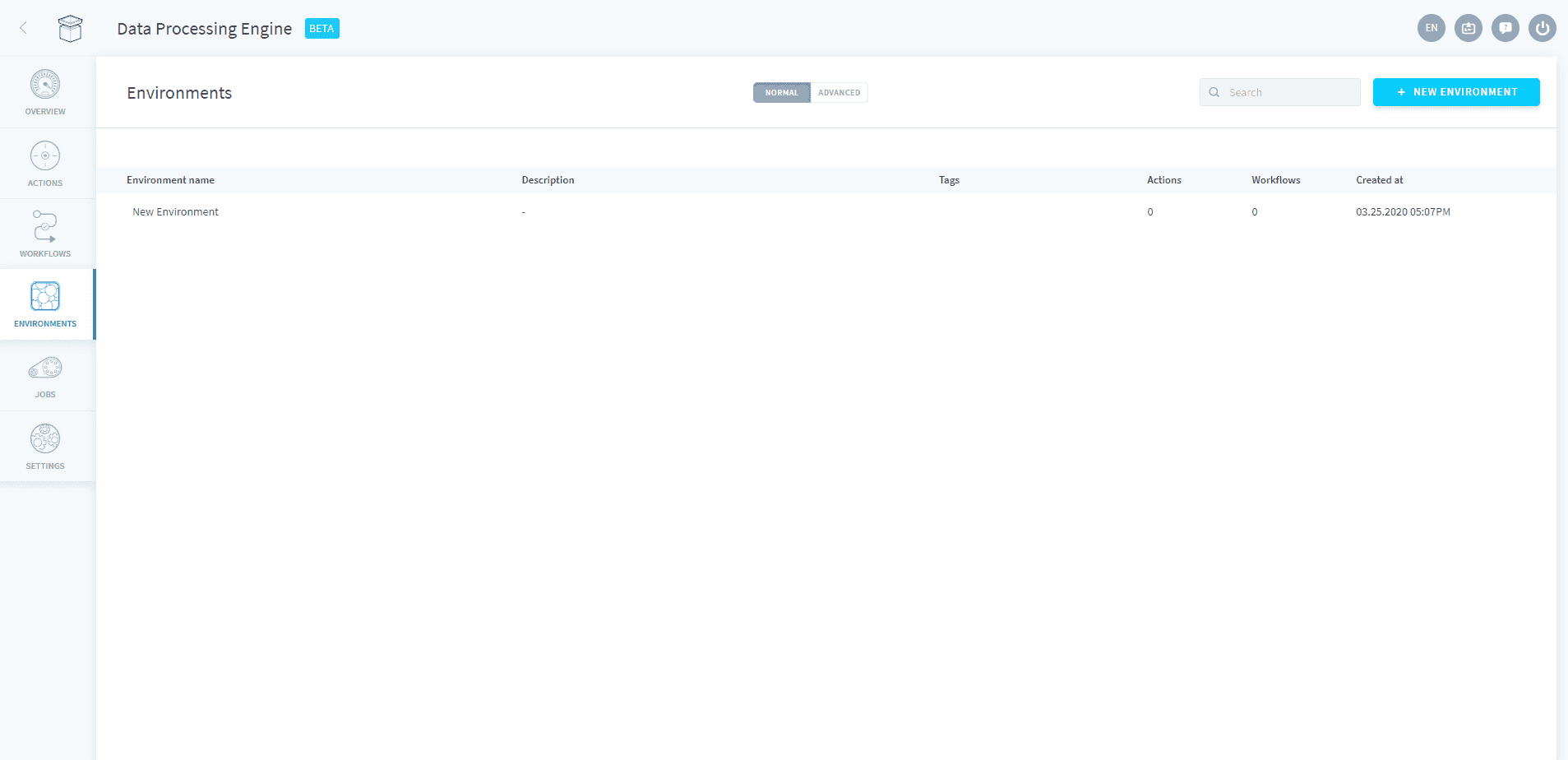
Click on New environment and a reduced version of the preferences section will appear.
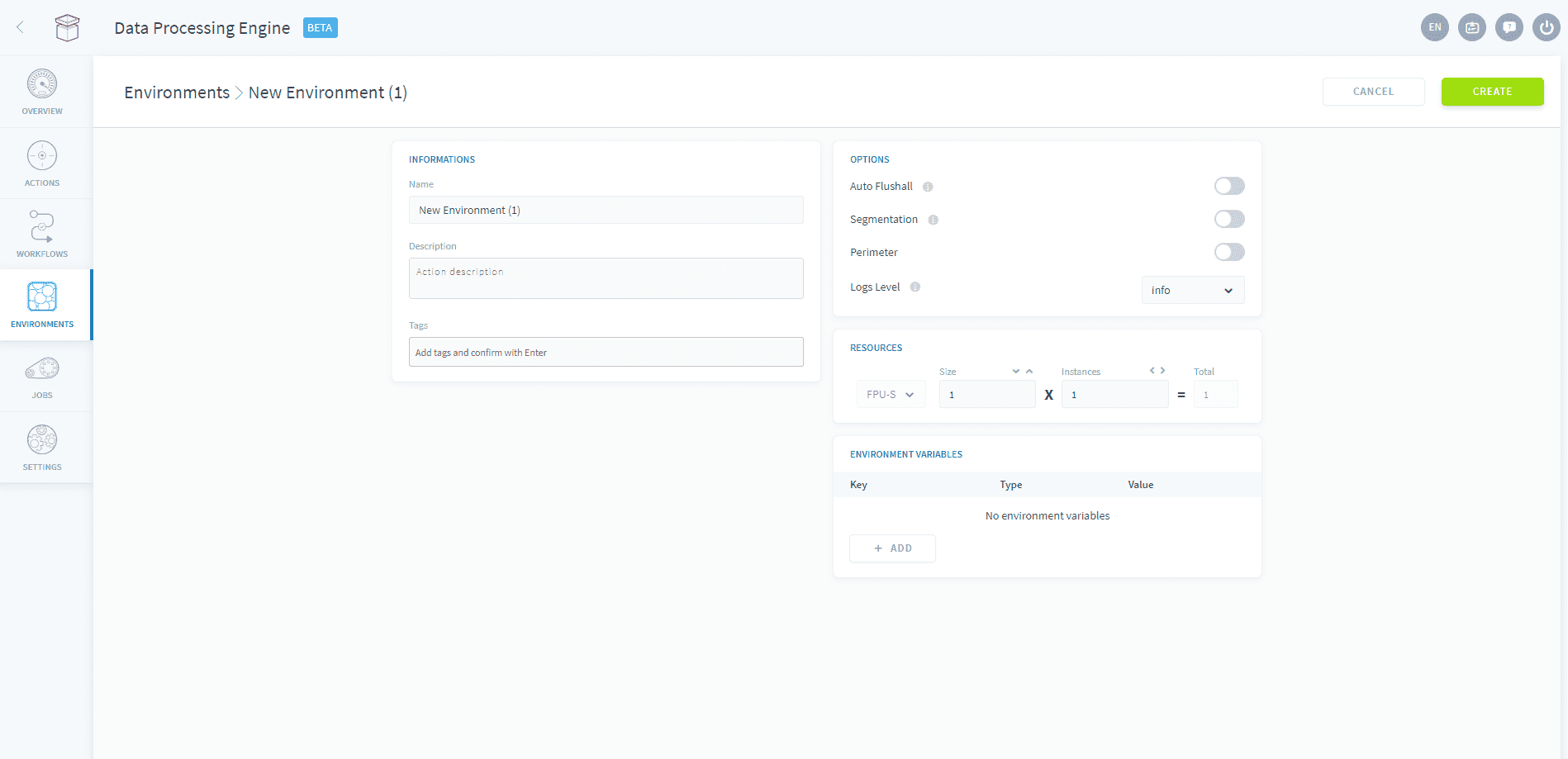
From here, select your preferred resources, options and environment variables. Don't forget to give your environment a name and a description.
How to configure the execution preferences
Go further
For training or technical assistance implementing our solutions, contact your sales representative or visit our Professional Services page to request a quote and have your project analysed by our experts.
Ask questions, give your feedback and interact directly with the team building the Data Platform on the dedicated Discord channel.
If you need support with your OVHcloud services, create a request in our Help Centre.
Join our community of users.