

Triggers
This page describes the Machine Learning Manager, a service of the ForePaaS Legacy Platform that is not available on OVHcloud Data Platform. See the current documentation.
Triggers allow you to schedule the automatic execution of your pipelines, such as generating the datasets or training models.
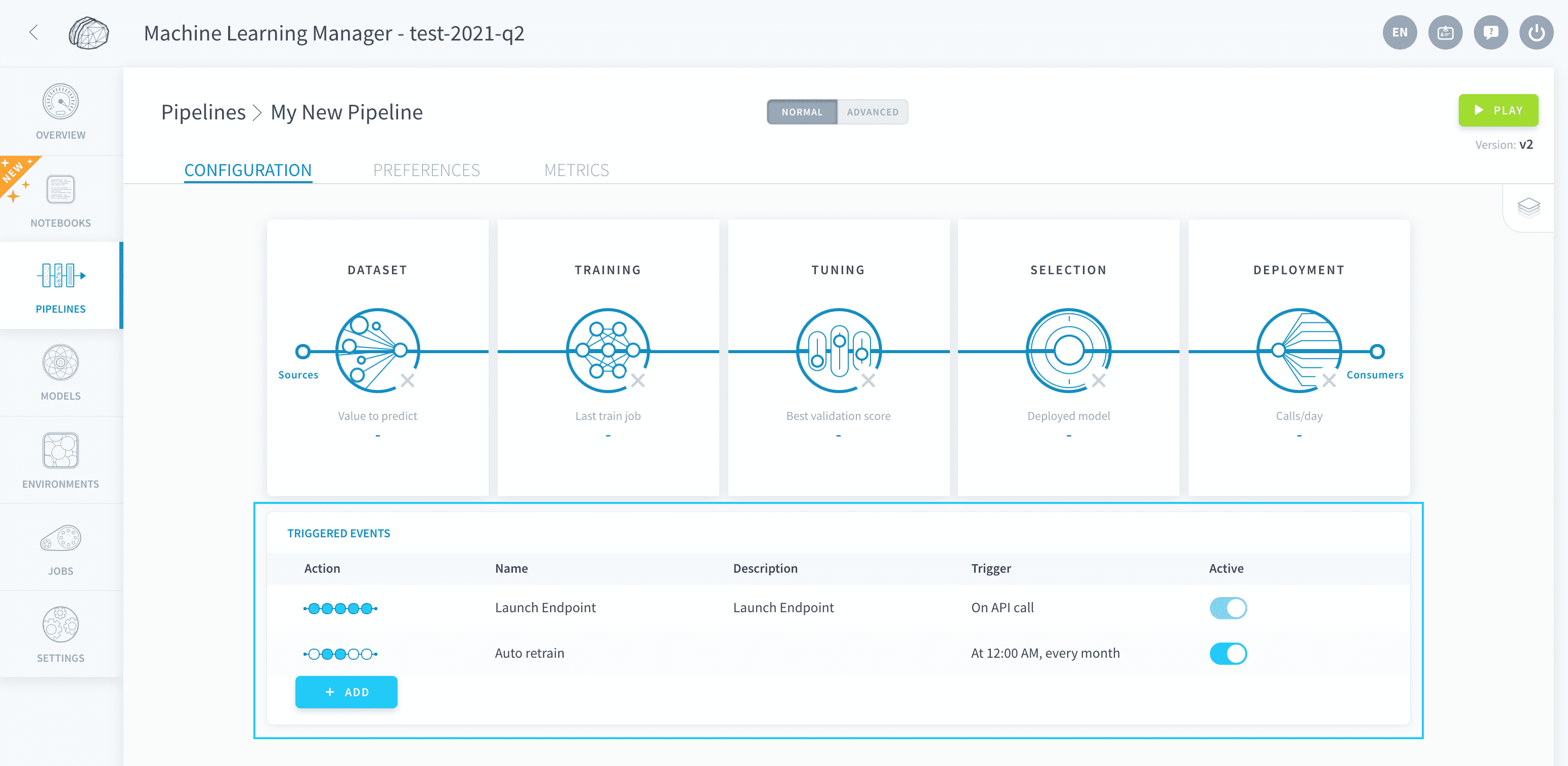
Add a trigger to a pipeline
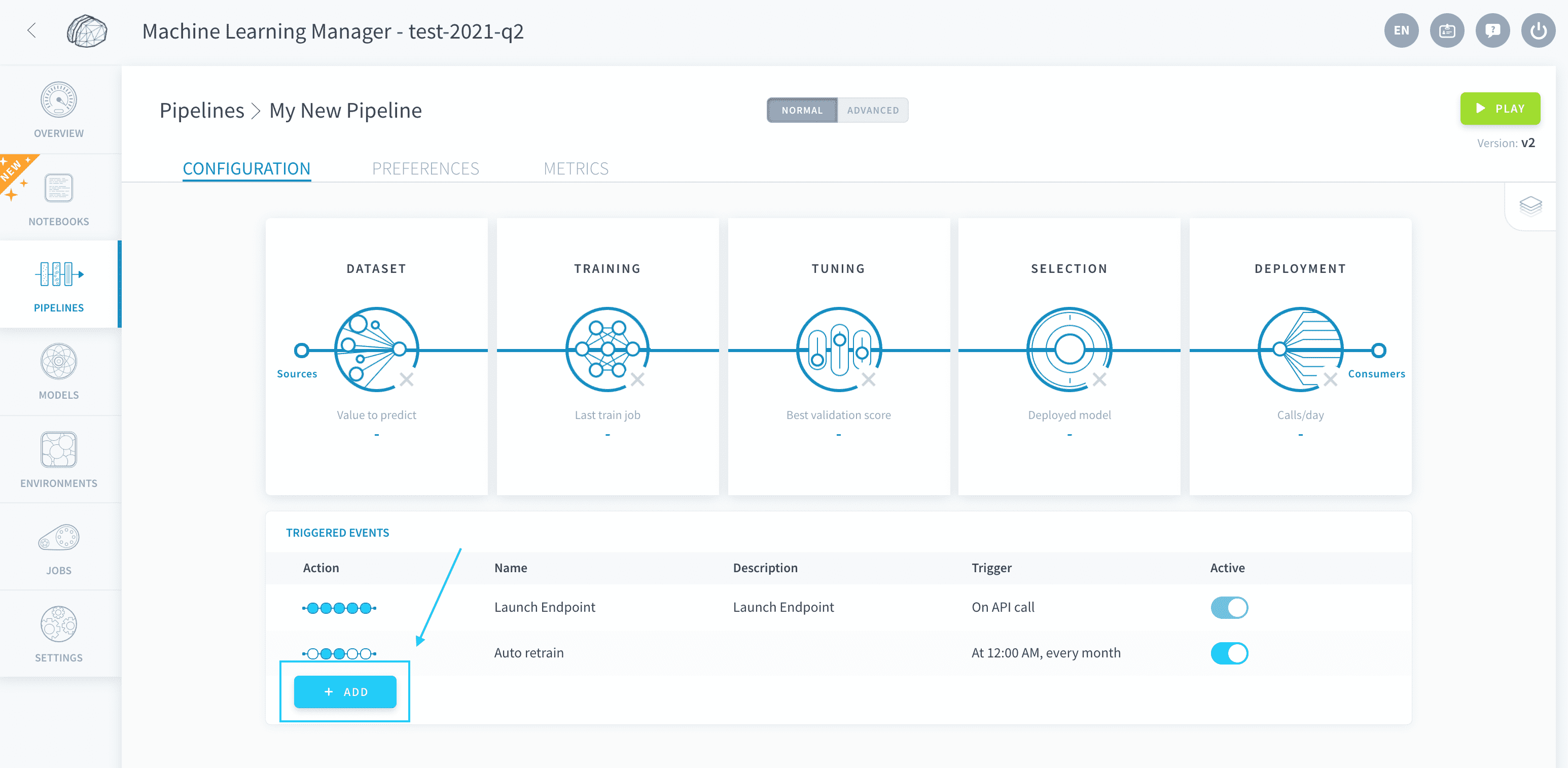
To create a trigger on a pipeline, go to the home page of the pipeline and press Add.
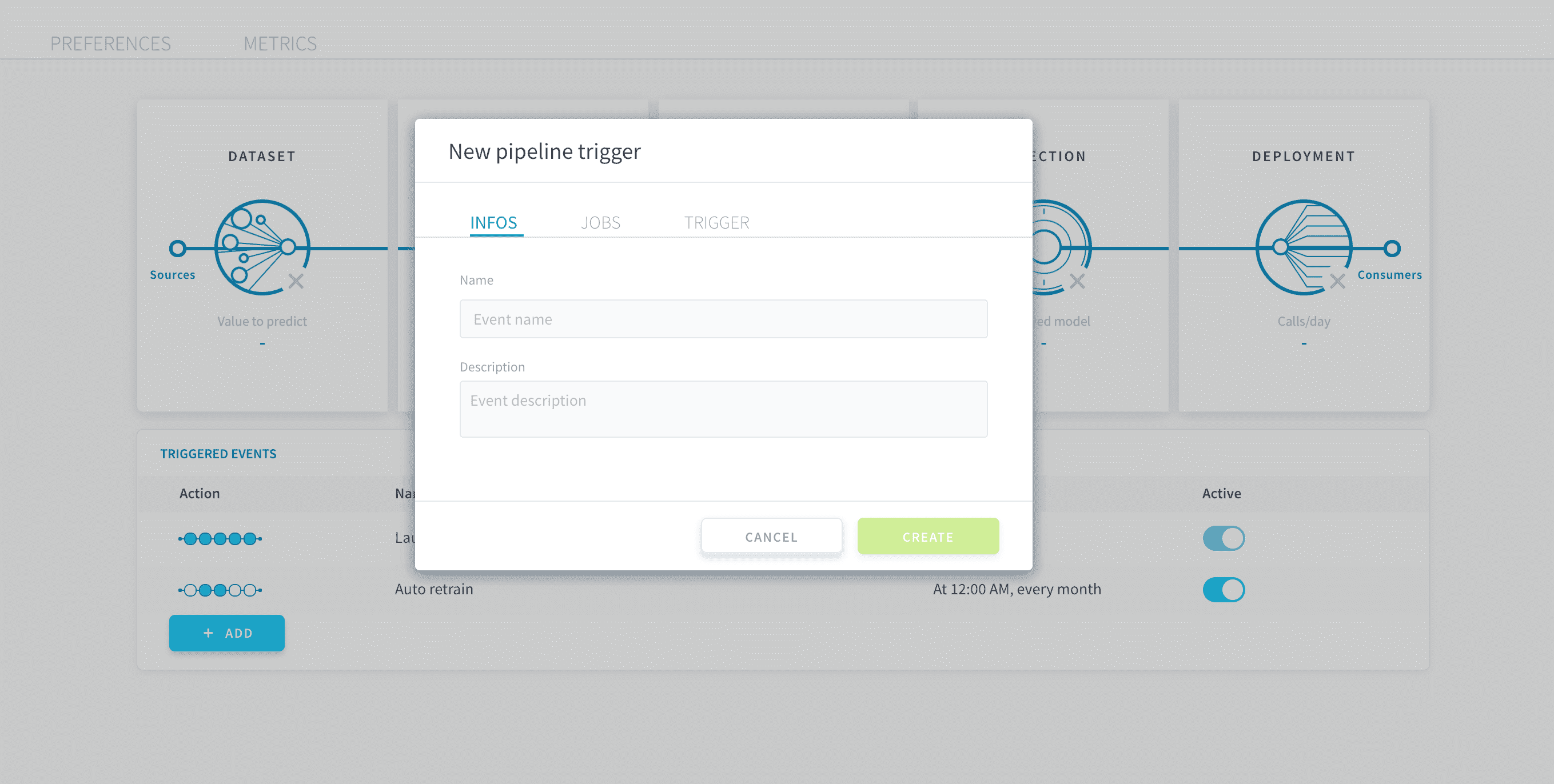
You can choose a name and description for your trigger in the Info section.
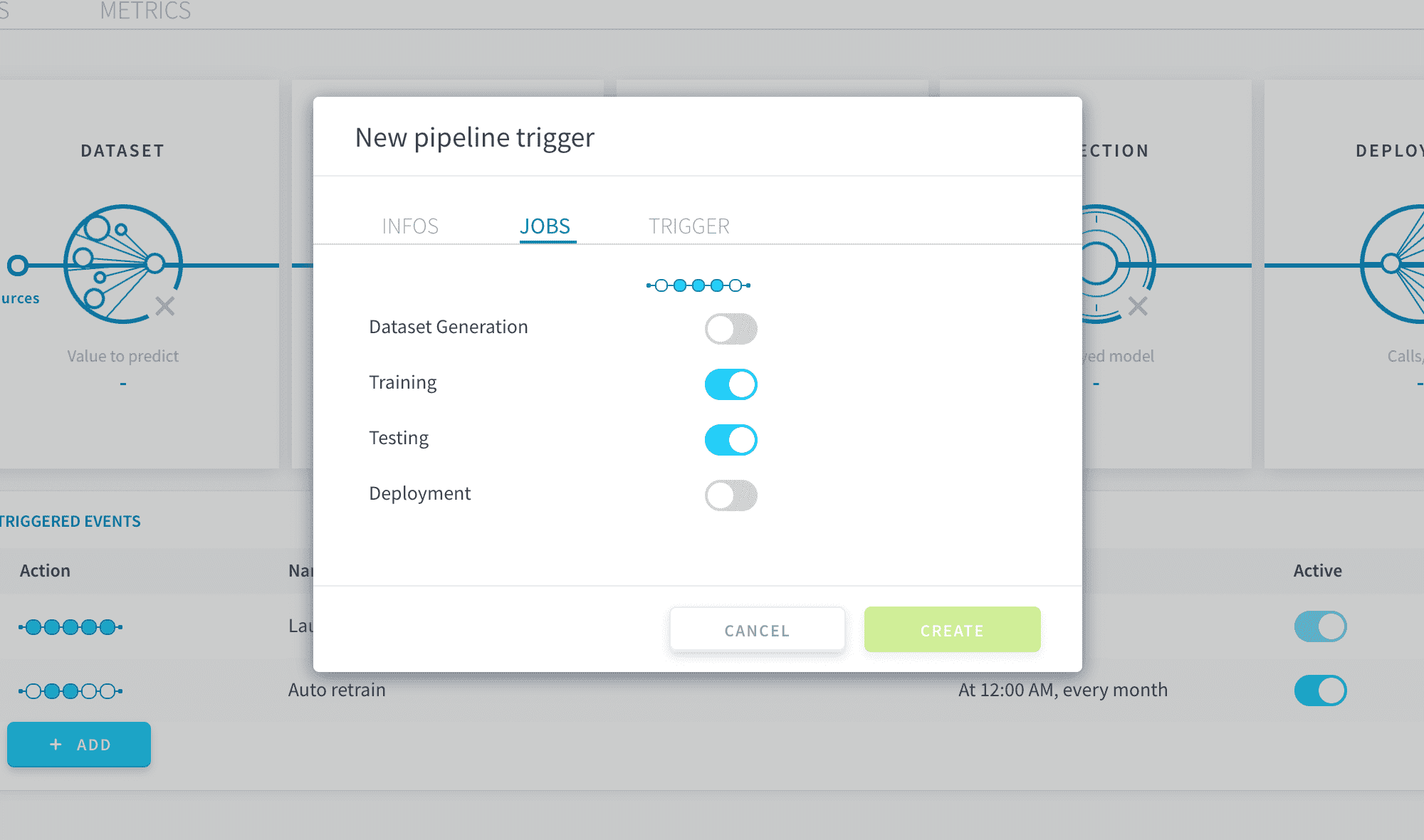
In the Jobs section, select the pipeline jobs that you want to trigger.
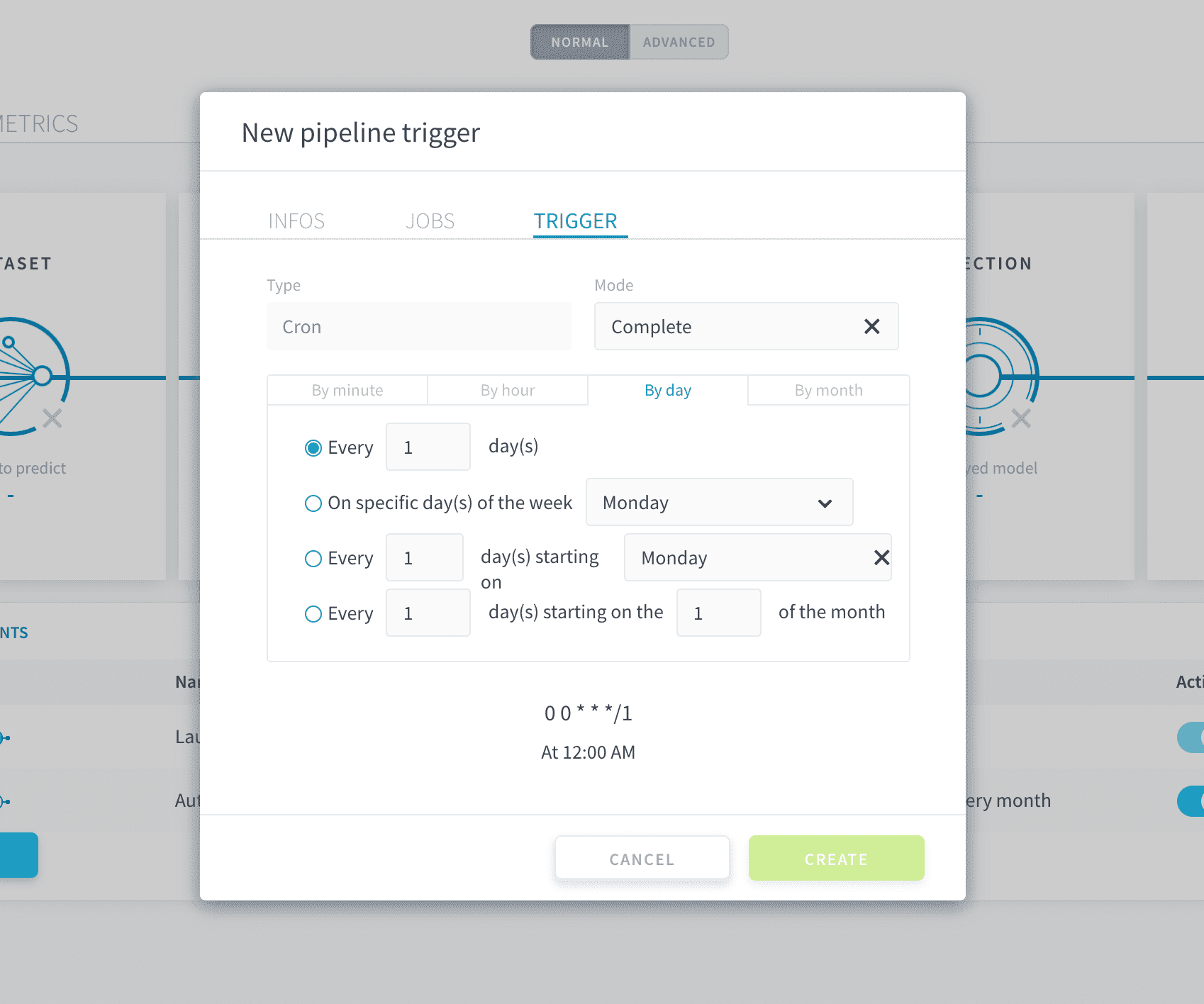
Finally, in the Trigger section, select the condition for the trigger. When that condition is true, the jobs that you have previously selected will automatically be launched.
Trigger on a time schedule
You can execute your pipeline on a time schedule by selecting Cron as the trigger type.
Our engineering team is working hard to implement more trigger options soon. If you have a particular need, please drop us a note on our roadmap portal!