

Rebuild a table from scratch with the Rebuild action
The Rebuild action entirely rebuilds an existing table by creating a new physical table with the same schema and inserting all of its data into it
Objective
The Rebuild action entirely rebuilds an existing table by creating a new physical table with the same schema and inserting all of its data into it.
It is mainly used to change field properties that cannot be modified once a table is built, most notably adding a Required or Required + Identifier constraint to an attribute (see attribute constraints).
Why rebuild a table
Rebuilding a table has several benefits:
- Change field properties such as Required, which cannot be done once a table is built.
- Restructure partitioned data. If the table uses partitions, all data is rewritten using those partitions. Note that when partitions are added to an existing table, only new data is stored under those partitions. The Rebuild action lets you properly restructure all of the data.
- Clean metadata and storage. All metadata and history is removed to keep a single clean version of the table. This can reduce storage and improve performance, as Iceberg optimizes the way it stores data.
The Rebuild action removes all of the table's history. Once it runs, you can no longer use the Time Travel feature to roll back to a previous version. It is a fresh start.
Configure a Rebuild action
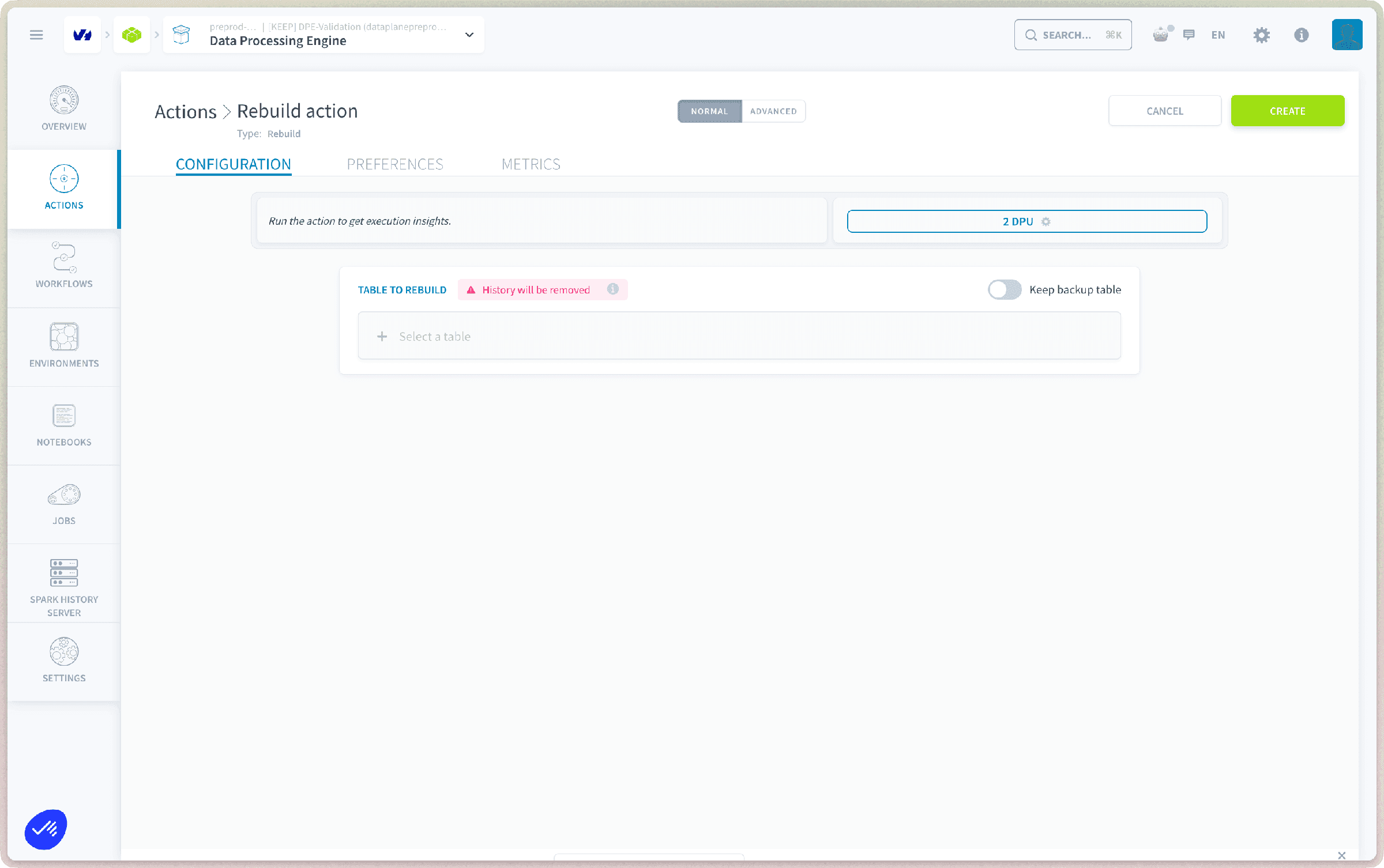
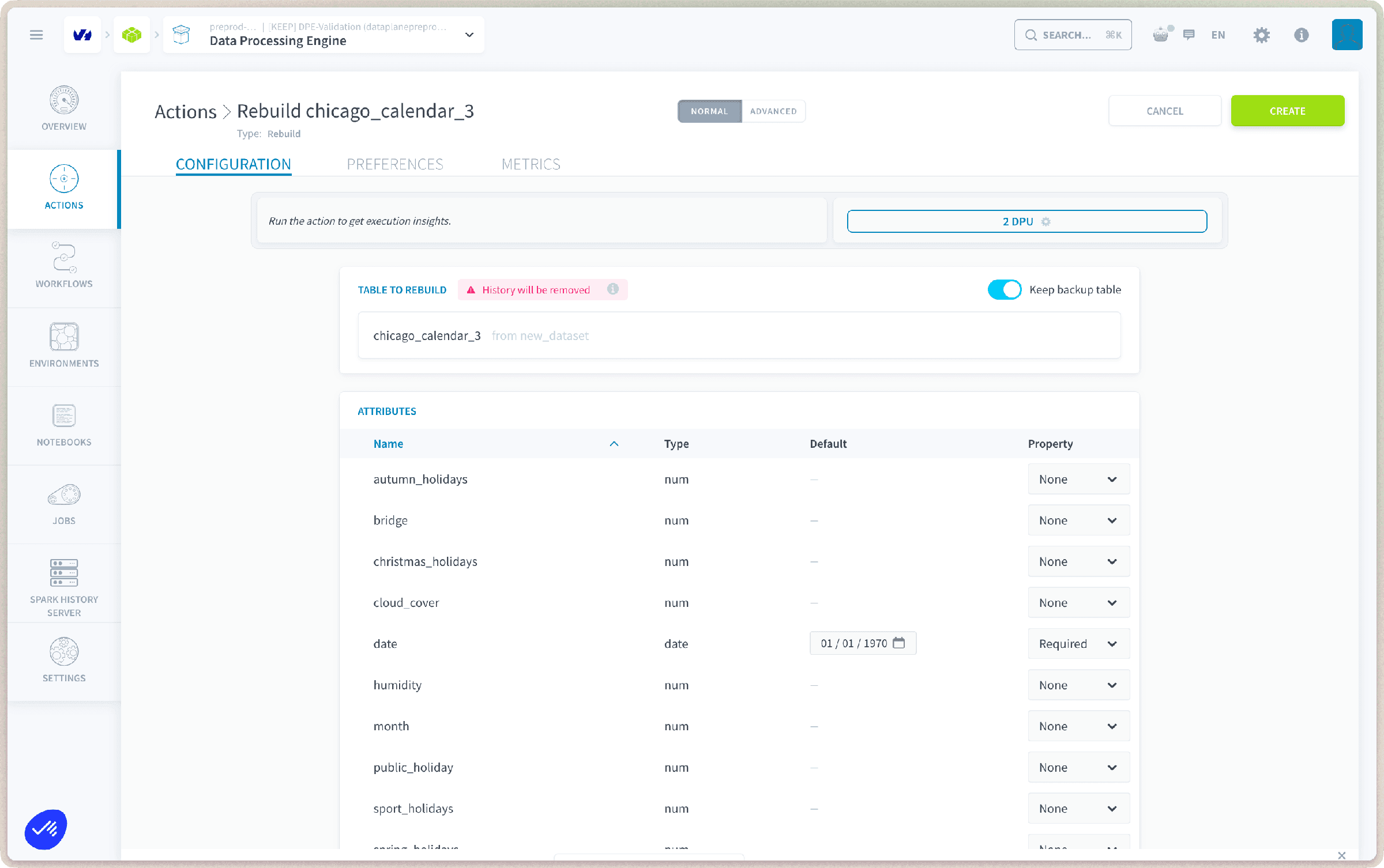
To create a new Rebuild action, navigate to the Actions tab of the Data Processing Engine (DPE), click on New Action, and select the Rebuild action. Then select the table to rebuild and adjust its field configuration (required flag, identifier flag, and default value).
Default values
When changing an attribute's property to Required or Required + Identifier, you must set a default value. This value replaces any NULL values found for that attribute during the rebuild, ensuring the new required constraint is satisfied.
Keep backup table
The Keep backup table option keeps a backup of the previous table, with its history. The backup table is named with the prefix _back_{hash} (for example, my_table_back_d26433d4). You can find this name in the execution logs.
Go further
For training or technical assistance implementing our solutions, contact your sales representative or visit our Professional Services page to request a quote and have your project analysed by our experts.
Ask questions, give your feedback and interact directly with the team building the Data Platform on the dedicated Discord channel.
If you need support with your OVHcloud services, create a request in our Help Centre.
Join our community of users.