

Create a Project
Creating a new Project only takes a few minutes! It is possible to choose the cloud provider and region for your data (cloud or on-premise) as well as
Objective
Creating a new Project only takes a few minutes! It is possible to choose the cloud provider and region for your data (cloud or on-premise) as well as which Project template you want to start with.
Data Platform was engineered to easily scale Projects as they grow. At any time after your Project is created, you will be able to expand its capabilities and storage volume throughout the Project thanks to horizontal and vertical scalability.
Choose a template
Start by picking the template that suits your use case the most. If no template fits your needs perfectly, you can add services to the Project later. To make sure all your needs are covered we suggest that you pick the End-to-end template.
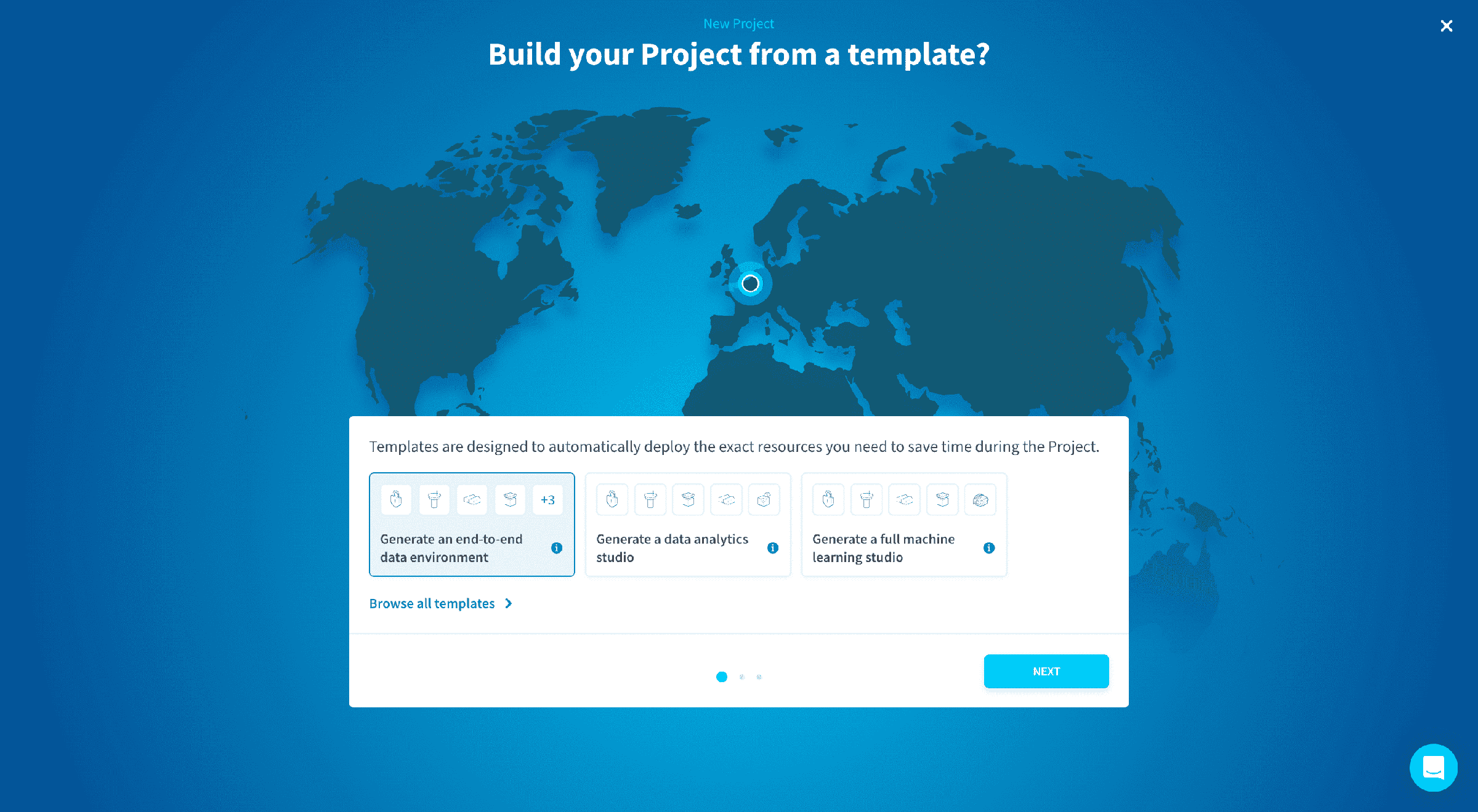
Choose a region for your Project
This is the location of the data center where:
- your Project's configuration will be stored
- your object store will be stored
- your data processing jobs, querying, APIs and applications will be running
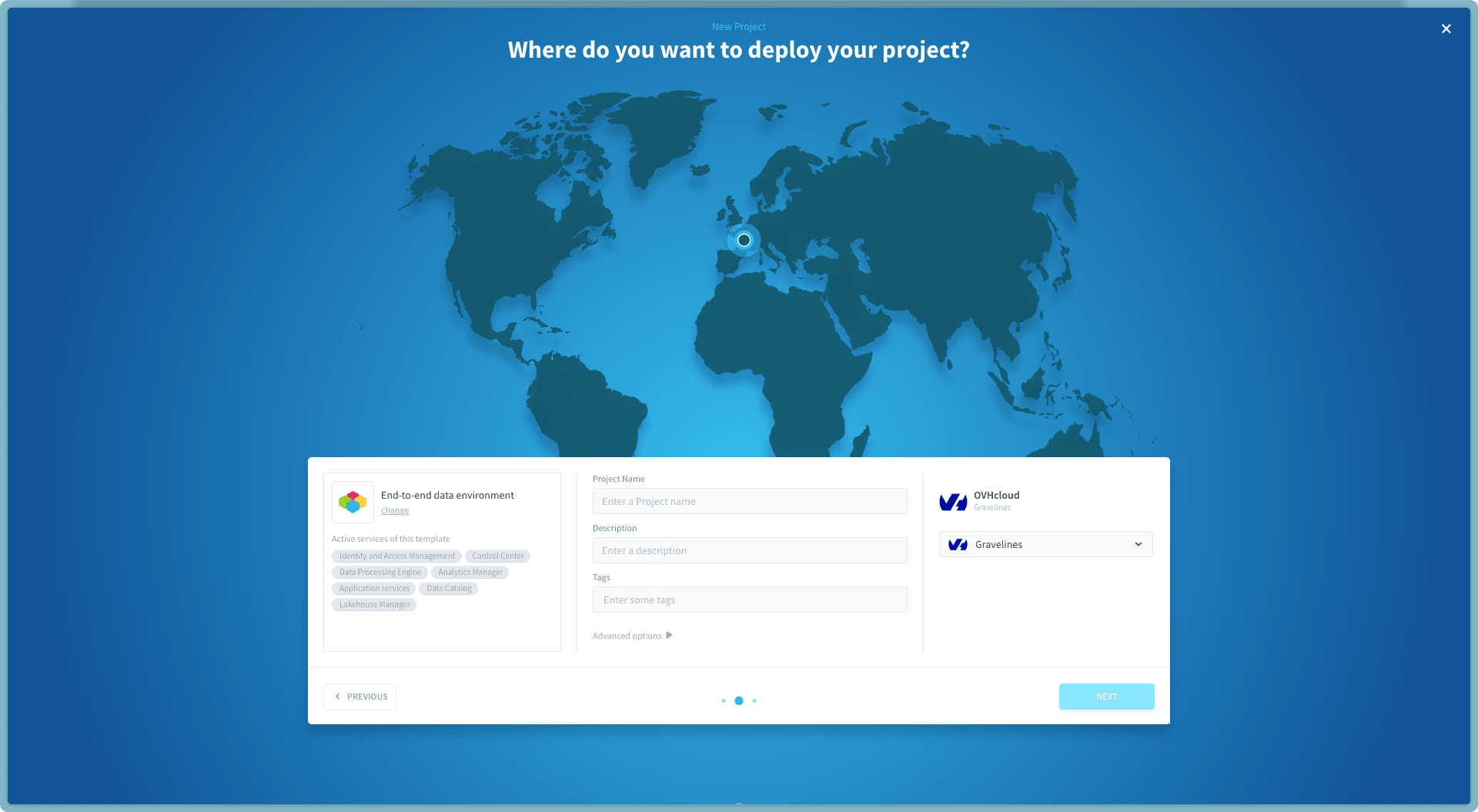
Once you are happy with your choice, enter the name of your Project. This name cannot be modified later on and will by default correspond to the Domain Name System (DNS) of your Project.
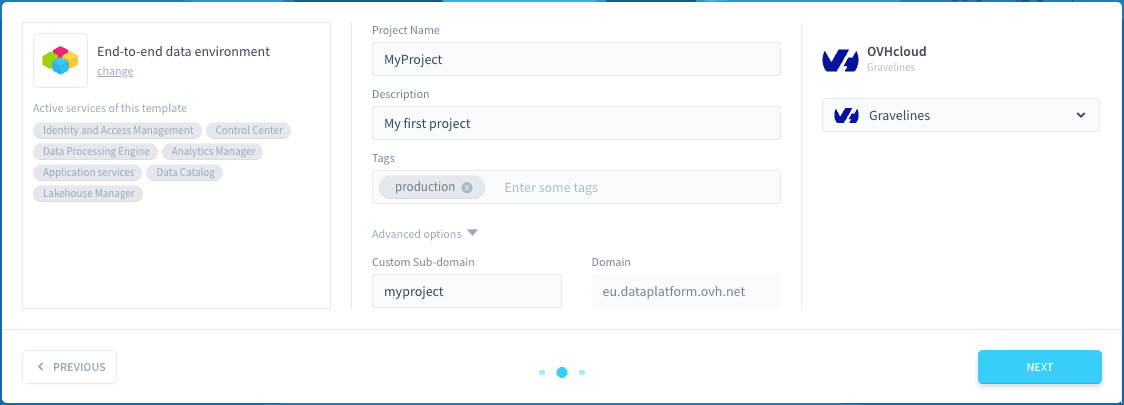
You can also customise domain and subdomain in the advanced options of this step.
Overview and confirmation
Finally, you'll get to this ultimate screen summing up all the information related to your Project.
By clicking on Confirm, the creation of your Project will start.
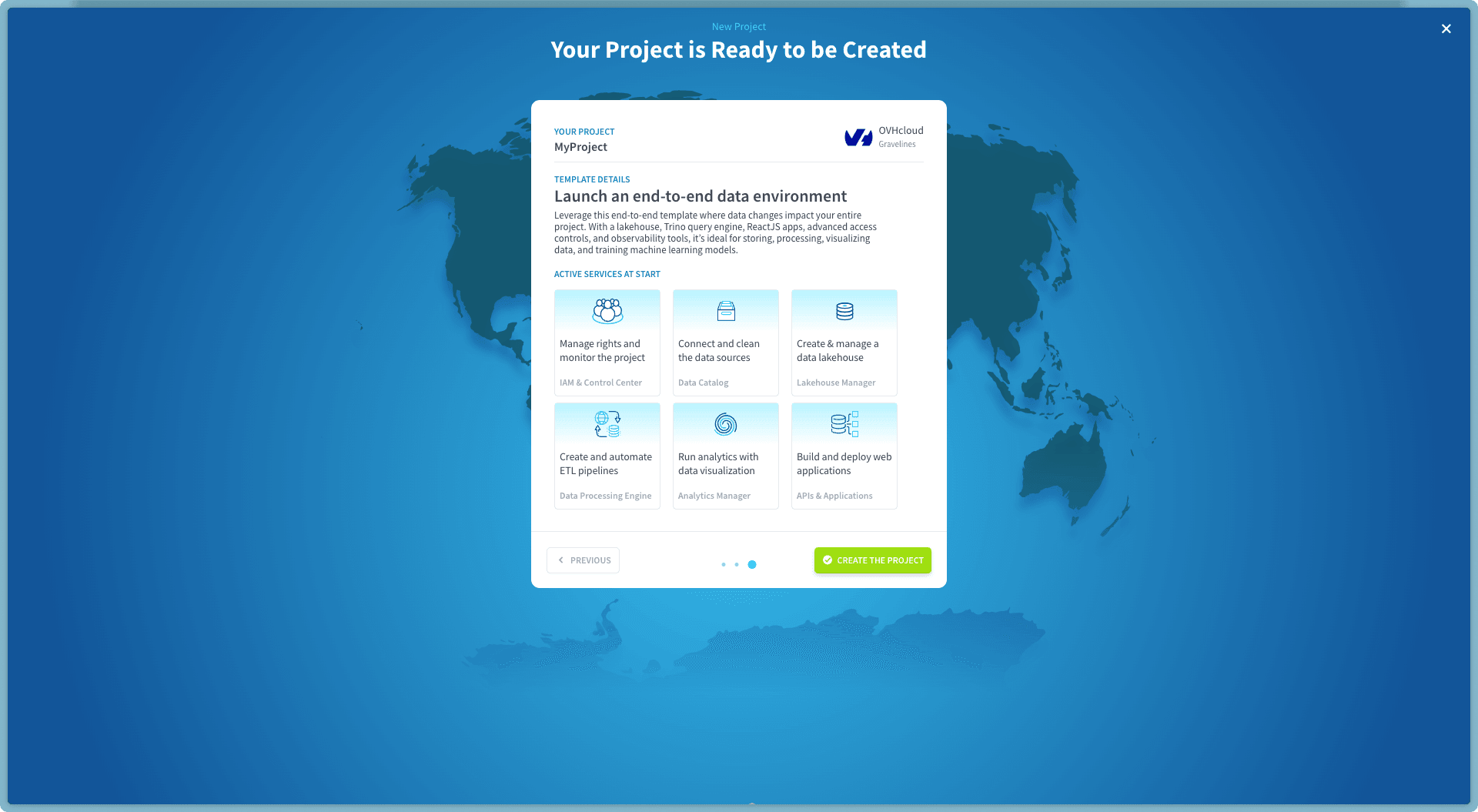
A collection of cloud micro-services are automatically set up in just a few minutes: web-app firewalls, security groups, CDNs, DNS configuration, SSL/TLS certificates, API endpoints, capacity planning, load balancer, auto-scaling, Kubernetes, cache, ETL, data warehouse engine, and more…
You will receive an email once the creation is finished, meaning the Project is ready to be used.
Go further
For training or technical assistance implementing our solutions, contact your sales representative or visit our Professional Services page to request a quote and have your project analysed by our experts.
Ask questions, give your feedback and interact directly with the team building the Data Platform on the dedicated Discord channel.
If you need support with your OVHcloud services, create a request in our Help Centre.
Join our community of users.