

Control Center alerts
Know about a failed job or an unhealthy deployment before your users do.
What is an alert?
An alert watches one target and notifies people when it misbehaves. Targets come in two kinds: the execution of jobs, such as Data Processing Engine workflows, and long-running deployments, such as apps and APIs.
Alerting has been reworked and is available again on the platform. This is a beta release, so some issues may still surface. Please reach out on the Data Platform channel of the Discord server if you run into anything unexpected.
In this release, alert notifications are delivered by email only. The previous integrations with Slack, AWS SNS, Opsgenie and custom webhooks are no longer available.
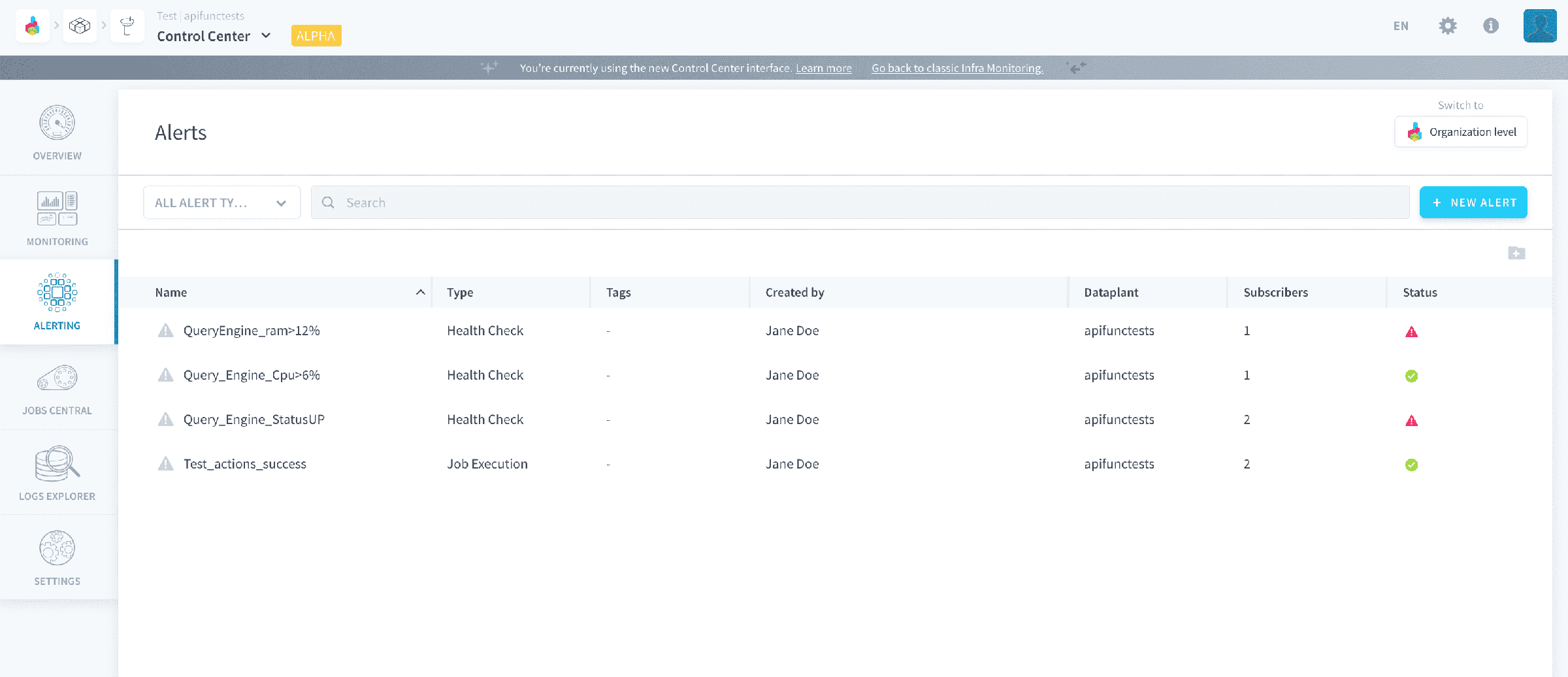
The behaviour is the same for every alert. The platform evaluates the trigger condition against the target every minute. Once the condition has held for the duration configured on that alert, the alert fires, which logs a triggering and sends an email to every linked subscriber. It stays firing until the condition is no longer met, at which point it resolves itself and returns to watching.
An alert therefore has three statuses:
watching: the default state of a created alert. It is monitoring its target, and the triggers have not held long enough to fire.active: the alert is firing. The trigger conditions have been met for the configured waiting duration.error: the alert status could not be retrieved.
Creating an alert takes two steps: create it with a target and its triggers, then link the subscribers who receive the email. Pick the type when you create it, since a job execution alert and a health check alert watch different things and cannot be converted into one another.
After you create an alert, it may take a couple of minutes before it is completely operational.
Configure a job execution alert→
Alert on the status or metrics of a job run.
Configure a health check alert→
Alert on the uptime or resource use of a deployment.
Add subscribers to an alert→
Who receives the email, and the two gotchas when adding people.
Go further
For training or technical assistance implementing our solutions, contact your sales representative or visit our Professional Services page to request a quote and have your project analysed by our experts.
Ask questions, give your feedback and interact directly with the team building the Data Platform on the dedicated Discord channel.
If you need support with your OVHcloud services, create a request in our Help Centre.
Join our community of users.